
Your first Salesforce deploy with Blue Canvas
One plan, every feature included.
How long does Blue Canvas setup take?
Setup depends on the orgs, access and release workflow you bring. We will confirm the setup scope with your team before giving a timeline.
What are the steps to a first deploy?
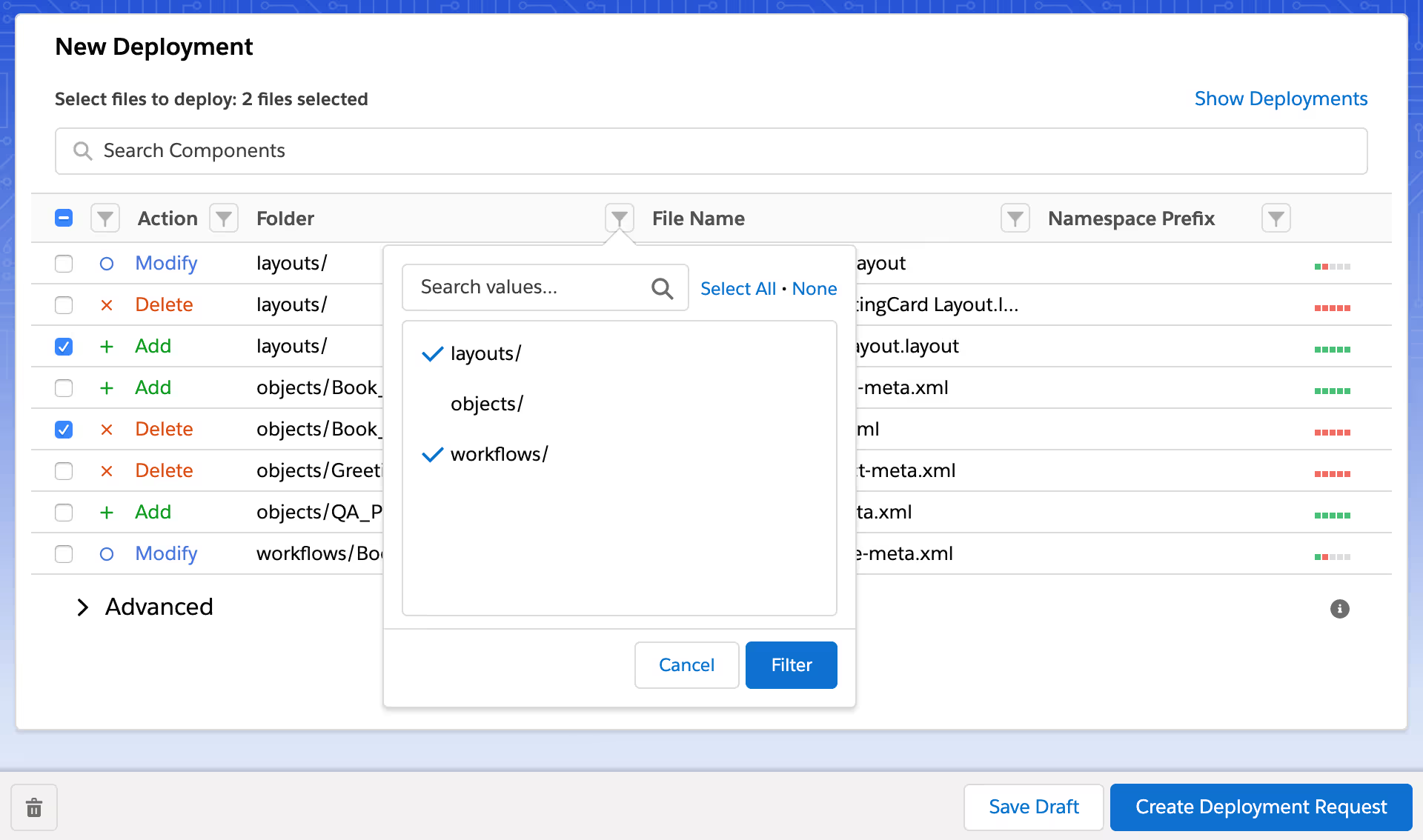
Connect your orgs, compare the changes and choose what to deploy. Review and validate those changes before deploying to the target org.
- Agree on a source sandbox and a target org for a safe test.
- Connect the orgs and review access with your team.
- Review how your orgs map to Git and your release workflow.
- Compare the source and target, then select the metadata to deploy.
- Review differences, dependencies and merge conflicts.
- Validate, deploy and check the result in the target org.
- Review the change history and one-click rollback workflow.
How long does a Salesforce deploy take with Blue Canvas?
Blue Canvas has an 8-minute average deploy. Your deploy time depends on the changes and the Salesforce validation required.
Deploy time is separate from connecting orgs, setting up a release process or training your team.
Do admins need Git training before the first deploy?
Admins can compare and deploy through the Blue Canvas interface without using Git commands. Agree on reviews and release steps with your developers.
Can I try Blue Canvas before committing?
Yes. There is a 14-day free trial with no credit card needed.
Version control, deploys, rollback, CI and metadata backup in the same plan. No tiers, no add-ons.
Related pages
Compare the workflow, check the plan and review the setup steps.
One plan, every feature included.
Version control, deploys, rollback, CI and metadata backup in the same plan. No tiers, no add-ons.