

Salesforce Release
Management Platform
Blue Canvas is a Salesforce release management platform built for complex, multi-team deployments. Organize all your Salesforce changes in one place — from sandboxes to production — and gain full visibility into who changed what, when, and why.
Support complex Salesforce releases that include advanced Screen Flows, CPQ-light logic, and integration metadata (for example, NetSuite) with full Git traceability.
Compare and Track Salesforce Sandboxes
Every Salesforce sandbox and environment is automatically tied to a Git branch, ensuring all changes are safely versioned and backed up. Use sandbox comparisons to confirm your Dev Pro sandbox has the metadata and test-ready records you need to validate complex business logic and automation workflows — without requiring a Full Copy Sandbox.
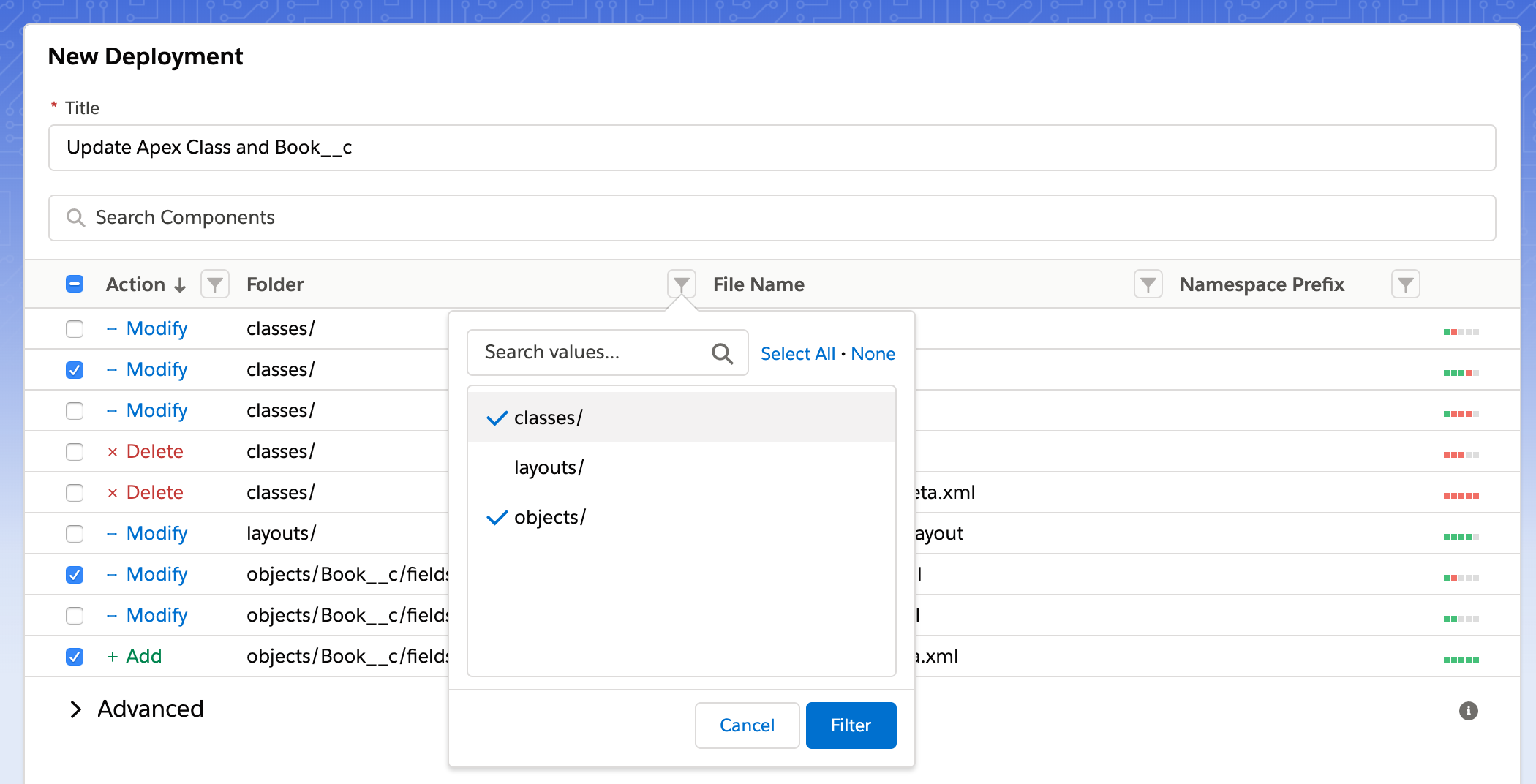
Smart Change Tracking and Cherry-Picking
Easily cherry-pick Salesforce changes (including Flow and integration metadata) and assign them to Stories or Pull Requests. Our intelligent filters help you isolate and track changes that matter most, ensuring your deployment pipeline stays clean, organized, and efficient.
Use smart filters to pin changes to a "Story" or "Pull Request".
Automated Validation and Code Review Workflow

1. Validation
Automatically check dependencies and validate metadata before deployment to avoid surprises.

2. Unit Tests
Run Apex unit tests to ensure code quality and compliance with Salesforce best practices.

3. Code Review
Collaborate effectively with built-in Salesforce code review tools, ensuring all updates meet team standards.
Effortless deployment to UAT and Production
Deploy your Salesforce code to UAT or Production in just one click — no command line required. Update branches automatically, keeping your environments fully synchronized.
Coordinate Bulk Salesforce Releases
Manage multi-developer and multi-admin efforts by pinning multiple Stories to a single Salesforce release. Streamline release coordination with automated tracking and version control for every update.
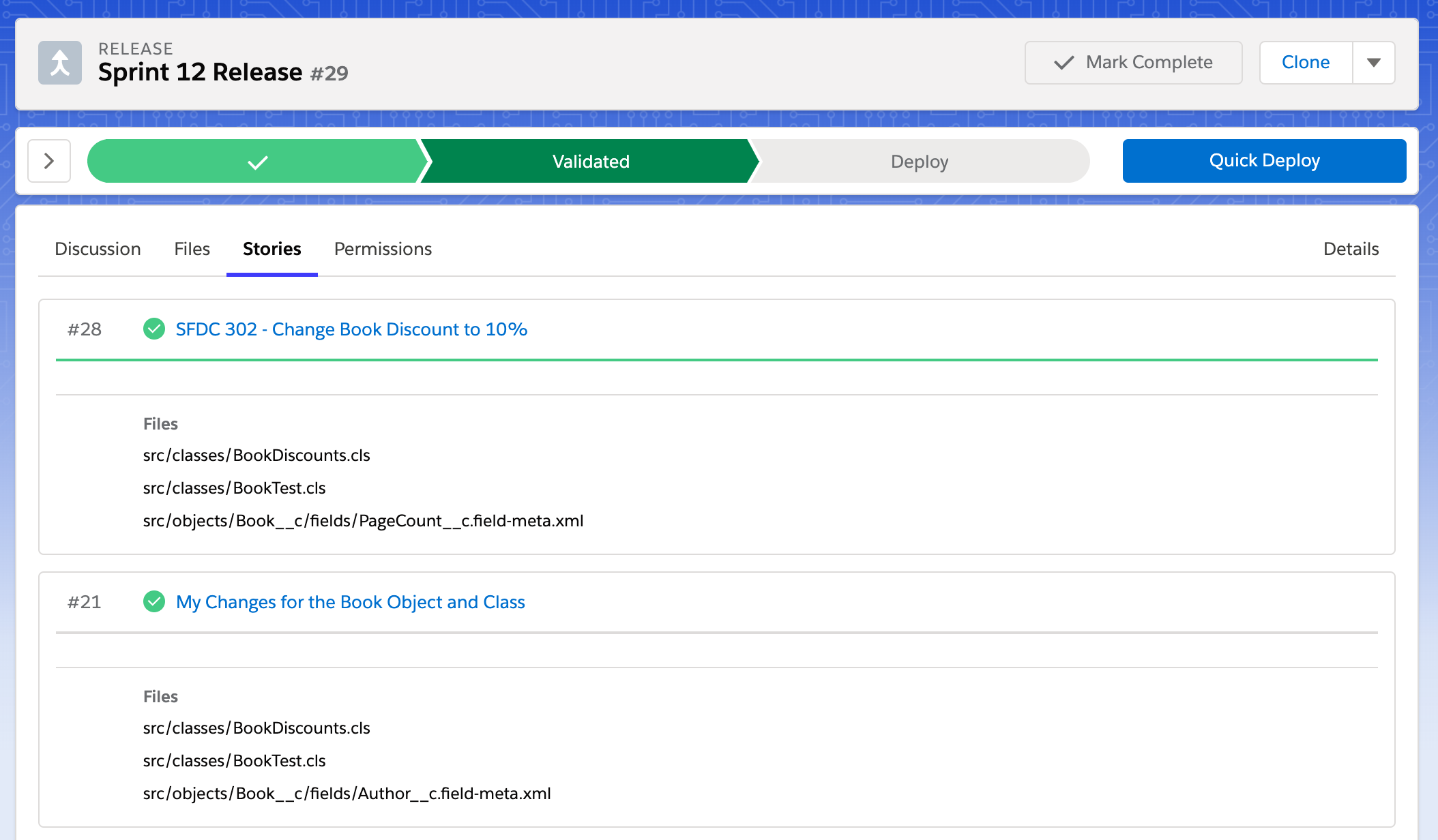
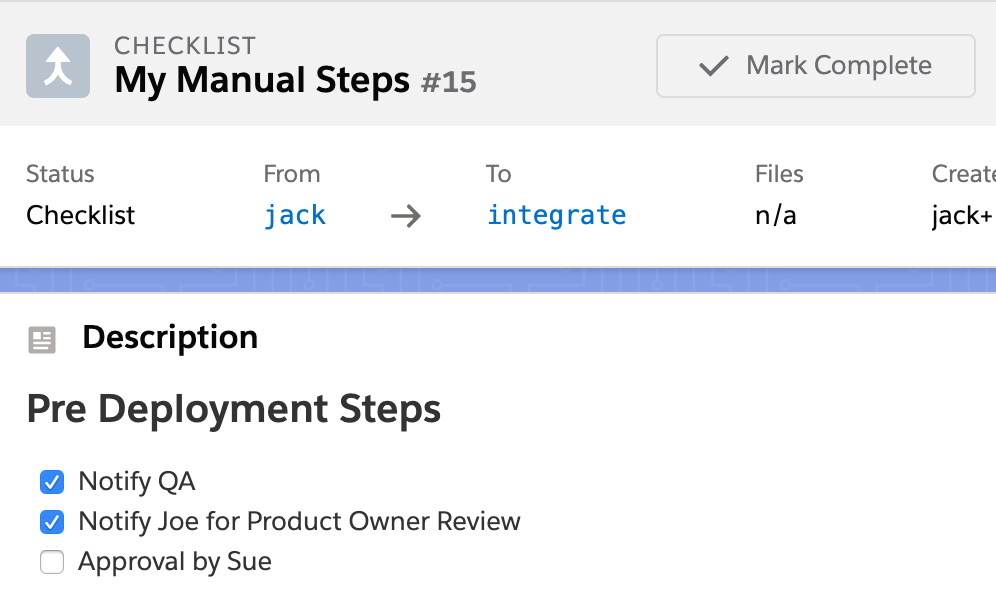
Deployment Checklists and Permissions Management
Use deployment checklists to capture manual steps like reviews or actions not covered by the Salesforce Metadata API.
Enforce a two-person approval workflow for Salesforce deployments with required sign-offs before promotion.
Support secure approvals with SSO-friendly permissions (for example, Okta SSO) for auditable release governance.
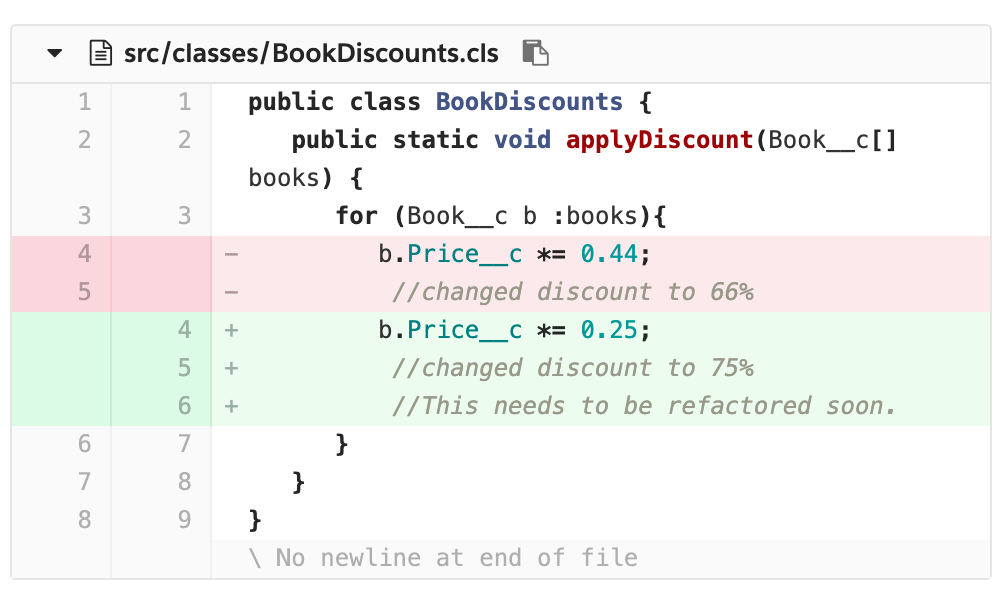
Code Reviews
Use Git to review changes before they go live ensuring higher code quality and compliance with your team's standards. Collaborate seamlessly with teammates by leaving comments, tracking revisions, and approving pull requests — all within one unified platform.
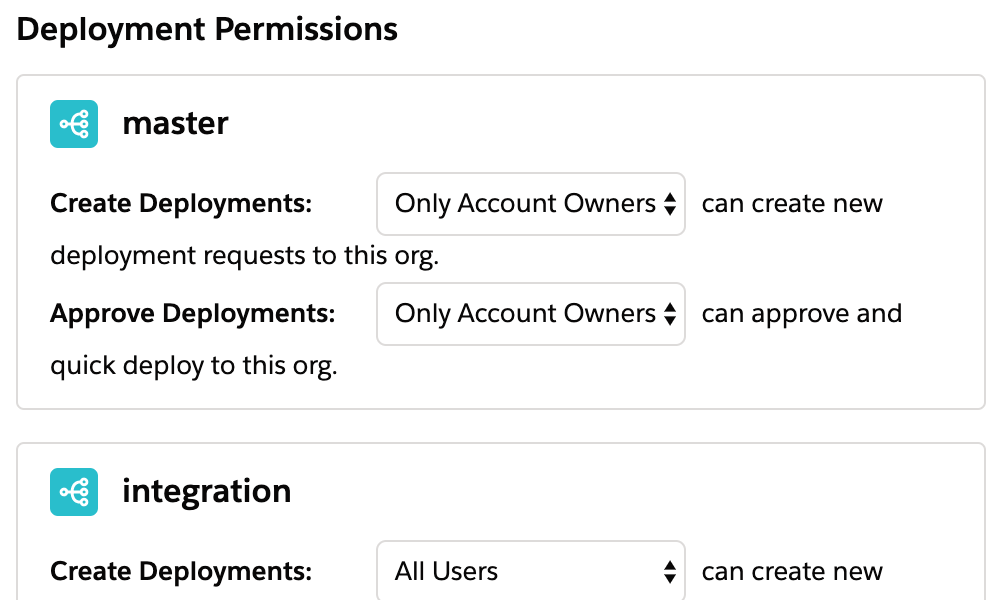
Permissions
Set permission rules for deployment approvals, ensuring that only authorized users can promote changes across environments.
FAQs: Managing Salesforce Releases with Blue Canvas
What are the top Salesforce platforms for managing releases?
The best Salesforce release-management platforms share key qualities that help teams ship faster and with fewer errors. A strong platform should offer automated change tracking, intelligent org-to-org comparisons, and guided deployments. Blue Canvas stands out for its Git-based automation, streamlined workflows, and developer-friendly UI.
How does Blue Canvas compare to other Salesforce release tools?
Compared to other tools, Blue Canvas offers deep Git integration, automated validation, and simple one-click deployment — all without command-line complexity.
Why is Git important for Salesforce release management?
Git enables traceability and rollback for every Salesforce change. Blue Canvas uses Git to ensure all sandboxes, environments, and metadata changes are versioned, making releases more reliable and auditable.
Can Blue Canvas help with multi-developer Salesforce releases?
Yes. Blue Canvas lets you pin multiple Stories to one release, helping teams coordinate complex, multi-party deployments easily.
How can we implement two-person approval for Salesforce deployments with Okta SSO sign-offs?
Use deployment permissions and approval rules to require two authorized reviewers before promoting changes. Teams can align approvals with SSO-based access controls (including Okta SSO) to ensure secure, auditable sign-offs.