90% faster
deployments, from hours to minutes

One plan with every feature: version control, deploys, rollback, CI and backup.
90% faster
deployments, from hours to minutes
2–3 days
saved each sprint
Hours saved
every day with structured rollouts

See how Blue Canvas helps you manage what’s beneath every release.
Compare Salesforce orgs in Blue Canvas and review metadata differences.
Blue Canvas helps you identify conflicting changes and review the merged result.
Use Blue Canvas dependency checks to surface missing metadata before deployment.
Run Apex tests and require peer approvals in your Blue Canvas release process.
Use Blue Canvas metadata history to review changes and revert to a previous snapshot.
Release with the whole picture.
Admins and developers can compare orgs, review changes and deploy together. Version control, deploys, rollback, CI and metadata backup are included in one plan.
Yes, there is a 14-day free trial with no credit card needed.
How Blue Canvas helped Twilio save 2–3 days each sprint and enabled their team to grow quickly.
 Read the story
How Sysco left Jenkins behind in favor of Blue Canvas and cut deployments from hours to minutes.
 Read the story
The plan includes org compare and deploy and the profiles and permissions deployer. There are no tiers or add-ons.
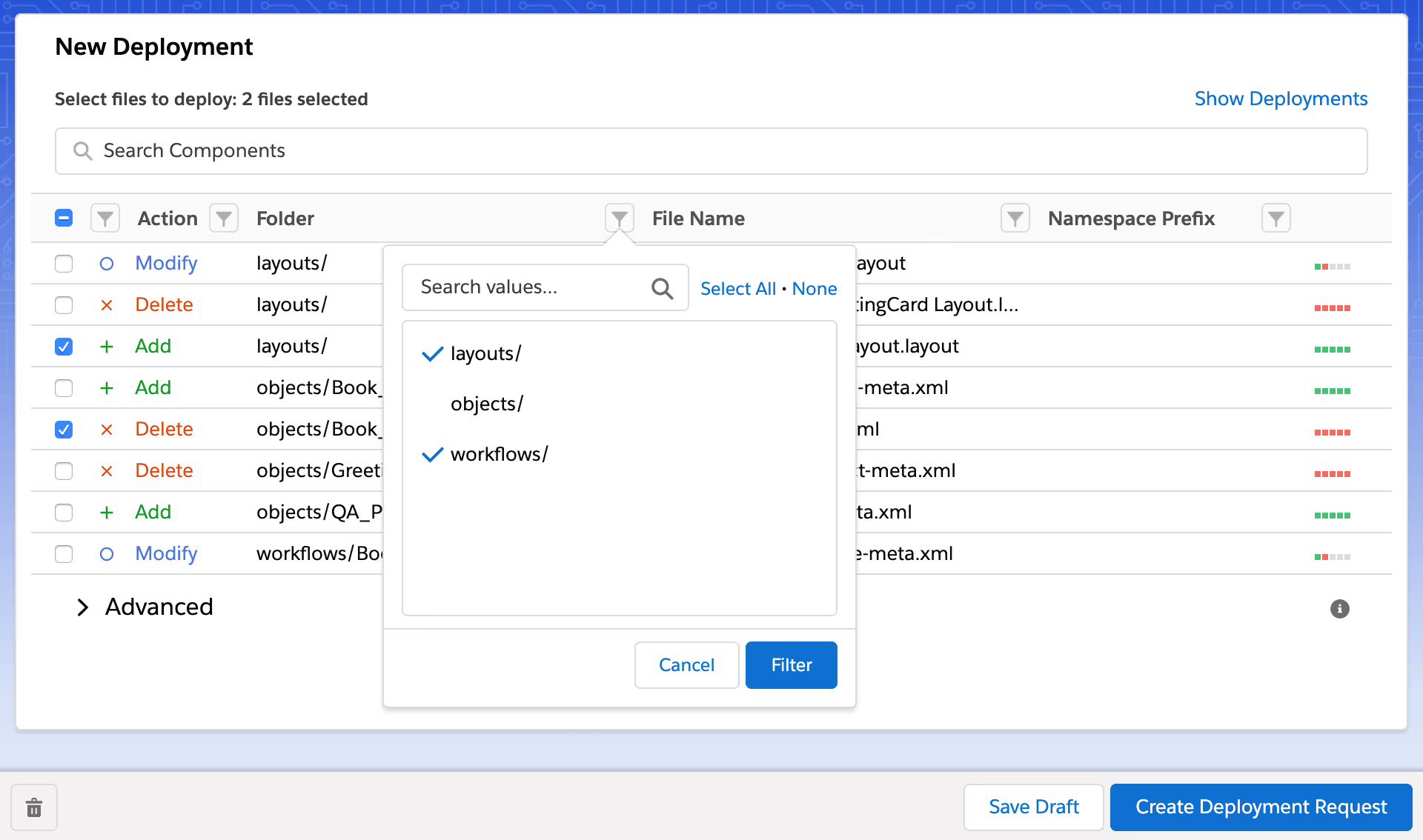
Compare Salesforce orgs and select metadata to deploy. Org compare and deploy is included in the plan.
Learn moreCompare and deploy Salesforce profiles and permission sets. The profiles and permissions deployer is included in the plan.
Learn moreBlue Canvas includes Git version control, merge conflict resolution and metadata backup. Admins use a visual interface while developers can use Git integrations.
Compare Salesforce orgs and deploy changes. CI is included in the same plan.
Review Salesforce metadata changes in Git. Metadata backup and one-click rollback are included in the plan.
Review merge conflicts before deploying Salesforce changes. Merge conflict resolution is included in the plan.
Large enterprise teams work efficiently on Blue Canvas, by collaborating in a single Salesforce DevOps platform that's intuitive for Admins yet powerful for Developers.
See all Continuous Integration featuresRunning a Salesforce Center of Excellence? See how Blue Canvas fits.

Over 850 million lines of code backed up with Blue Canvas.