Top Salesforce DevOps tools with Jira & Git in 2026 | Blue Canvas
Explore Blue Canvas—best Salesforce DevOps platform with seamless integration with Git and Jira to streamline workflows, backups, and permissions management.

Explore Blue Canvas—best Salesforce DevOps platform with seamless integration with Git and Jira to streamline workflows, backups, and permissions management.
Troubleshooting: Fix Access Issues & Optimize Security

Managing permissions in Salesforce can feel like navigating a maze. With its metadata-driven architecture and complex sandbox environments, ensuring the right permissions are in the right place is no small task. Yet, effective permission synchronization is crucial for maintaining security, compliance, and smooth deployments across your orgs.

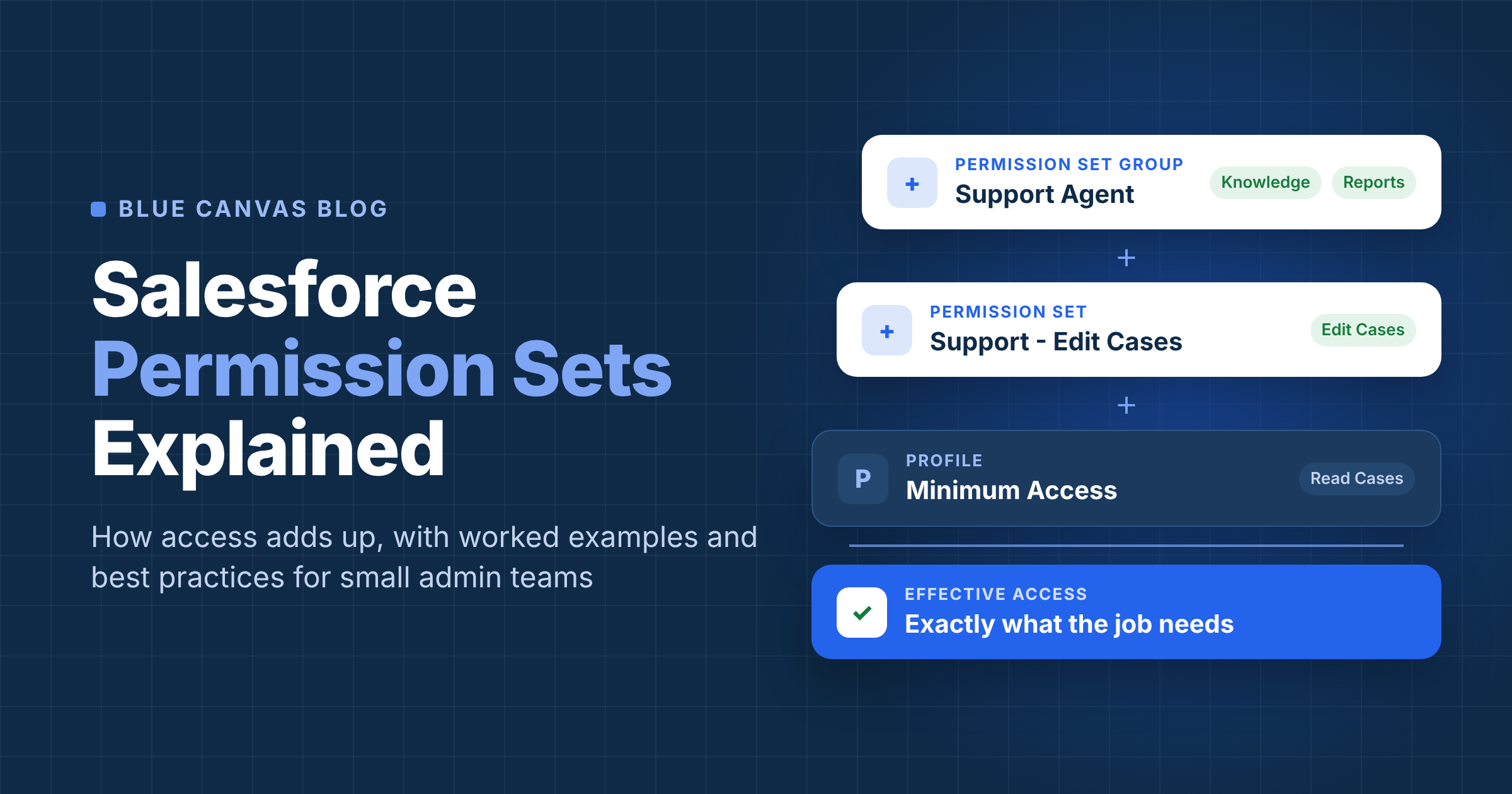
Managing user access in Salesforce can feel complex, but permission sets simplify the process. These flexible tools let you assign specific permissions to users without altering their profiles, ensuring your team gets the access they need without compromising security. Whether you're granting access to core features or customizing permissions for unique roles, permission sets give you precise control.

Managing profiles in Salesforce is crucial for ensuring smooth operations and maintaining control over your business processes. A Salesforce profile defines what users can and cannot do within the platform, from accessing specific data to performing certain tasks. By assigning the right profiles, you empower your team to work efficiently while safeguarding sensitive information.

Deploying permissions in Salesforce can feel like a daunting task, especially when you're managing complex roles and access levels across your organization. Whether you're setting up a new project or refining existing permissions, ensuring the right users have the correct access is crucial for maintaining security and efficiency.

Managing access and ensuring data security is crucial for any organization, and Salesforce makes it easier with role-based permissions. This powerful feature allows you to control who sees what within your Salesforce environment, streamlining workflows while safeguarding sensitive information. Whether you're managing a small team or a global workforce, role-based permissions ensure the right people have access to the right tools.

Managing user access in Salesforce is essential for keeping your data secure and ensuring your team operates efficiently. Without proper access controls, sensitive information can fall into the wrong hands or critical tasks might be disrupted. That's where Salesforce user access control becomes a game-changer.

Navigating Salesforce user permissions can be complex but is essential for ensuring efficiency and security. Understanding how to set up and manage permissions, such as profiles and permission sets, allows organizations to control what users can access while safeguarding sensitive data.

Navigating the complexities of Salesforce can be daunting, especially when it comes to profile management. With countless users accessing sensitive data, ensuring the right people have the right permissions is crucial. That's where Salesforce profile auditing comes into play. By regularly auditing profiles, you can maintain a secure and efficient system, protecting both your data and your business operations.

In today's fast-paced business landscape, you need tools that streamline processes and enhance productivity. Salesforce, a leading customer relationship management (CRM) platform, offers powerful solutions to manage your customer interactions effectively. One of its standout features is profile integration, which can significantly transform how you handle data and user access.

Mastering Salesforce profile setup enhances security and boosts operational efficiency by aligning user access with roles and responsibilities. Learn how to customize profiles for optimal performance and data protection.
Over 850 million lines of code are securely backed up with Blue Canvas, empowering enterprises to continuously deploy and rollback in Salesforce with ease and maintain environment parity across orgs.