The 8 Best Salesforce Deployment Tools in 2026
Compare the top 8 tools side by side — and see which one fits your team.
 By Kenji Sano·Reviewed by the Blue Canvas team··8 min read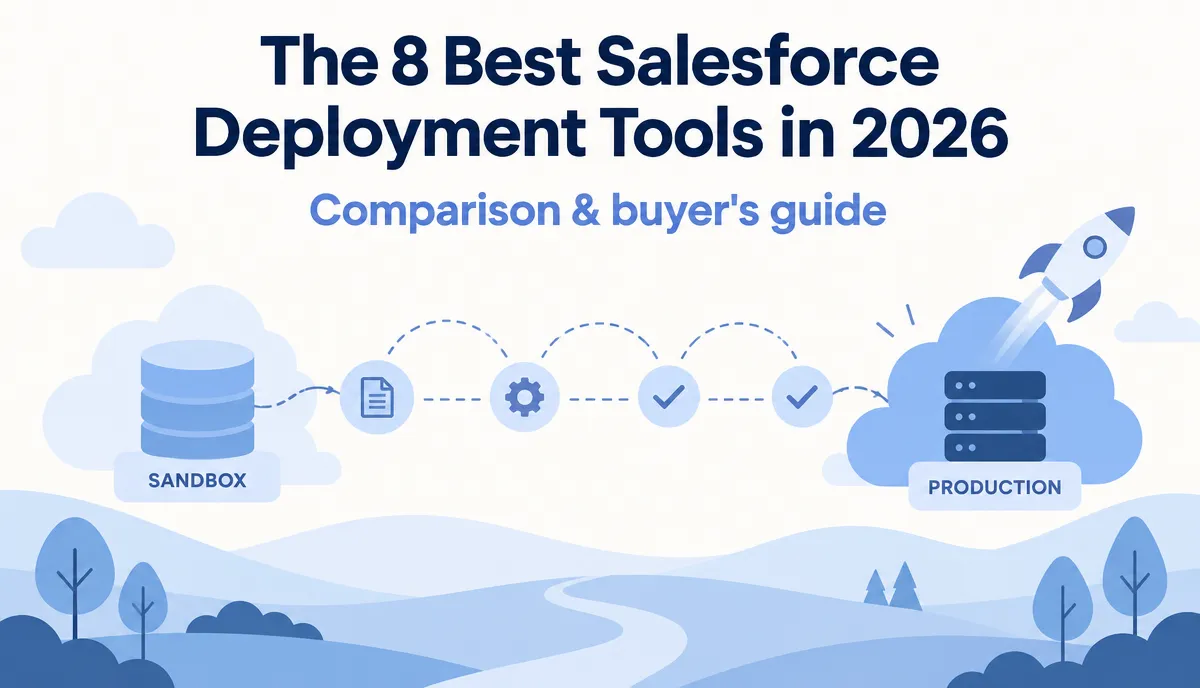
The short answer: The best Salesforce deployment tool depends on your team. Blue Canvas is a strong choice for teams that want simple Git-based Salesforce DevOps for admins and developers. Gearset offers a broad all-in-one platform, Copado is built for larger enterprise DevOps programs, and Salesforce DevOps Center is a useful free starting point for teams moving away from change sets.
Best Salesforce Deployment Tools at a Glance
| Tool | Best for | Version control | Backup / rollback |
|---|---|---|---|
| Blue Canvas | Admins + developers shipping together | Git, automatic | Yes |
| Gearset | Broad all-in-one Salesforce DevOps | Git | Yes |
| Copado | Large enterprise DevOps programs | Git | Yes |
| Flosum | Regulated teams wanting native tooling | Native (non-Git) | Yes |
| AutoRABIT | Compliance-heavy enterprises | Git | Yes |
| DevOps Center | Teams moving off change sets | Git | Limited |
| Salto | Impact analysis and multi-app teams | Git | Varies |
| Prodly | CPQ/configuration data and seeding | Varies | Varies |
What Is a Salesforce Deployment Tool?
A Salesforce deployment tool helps teams move metadata and configuration between Salesforce environments more safely than manual change sets. More complete Salesforce DevOps platforms also add Git-based version control, CI/CD, backups, rollback, conflict detection, release management and collaboration.
What to Look for in a Salesforce Deployment Tool
- Easy org comparison and deployment. Admins should be able to use the workflow, not just developers.
- Git-based version control. You should be able to see who changed what and when.
- Backup and rollback. When a deployment goes wrong, recovery should be fast.
- Conflict and dependency handling. The tool should catch missing fields and merge conflicts before production.
- Predictable pricing. Check what is included, what costs extra and what happens at renewal.
The 8 Best Salesforce Deployment Tools
1. Blue Canvas – Best for Fast, Simple Salesforce Deployments
Best for: Salesforce teams that want Git-based DevOps without forcing admins to become Git experts.
Blue Canvas is built specifically for Salesforce. It gives admins and developers one workflow for comparing orgs, tracking metadata changes, reviewing releases and deploying changes.
Connect your Salesforce orgs and Blue Canvas automatically tracks metadata changes in Git. Teams can compare any two orgs, bundle changes into a deployment request, review them and ship without a separate Git setup project.
Why it stands out: Blue Canvas combines org comparison, automatic Git version control, metadata backup, rollback, conflict detection and deployment in one workflow.
Key capabilities: compare and deploy between Salesforce orgs; automatic Git version control and metadata backups; one-click rollback; merge conflict and dependency detection; Profiles, Permission Sets and field-level security deployment; Salesforce CPQ data deployment; Jira linking, code review and manual task tracking.
Security: SOC 2 certified and a Salesforce partner.
Results: Twilio saves 2 to 3 days each sprint, while Sysco made deployments about 90% faster after moving off Jenkins. Teams at NI, Slack and Hershey's also use Blue Canvas.
Pricing approach: One flat per-user price with every feature included, rather than separating core capabilities into add-on tiers.
Good to know: A free 14-day trial is available with no credit card required.
Free 14-day trial · No credit card required
Compare your orgs, deploy changes and roll back — all in one place, with no separate Git setup project.
Start a free 14-day trial →Trusted by Salesforce teams at



2. Gearset – Best All-in-One Salesforce DevOps Platform
Best for: Teams that want a broad Salesforce DevOps platform and are comfortable with multiple products or tiers.
Gearset is one of the best-known names in Salesforce DevOps. It covers compare and deploy, CI/CD, testing, data backup, restore and archiving.
Why it stands out: It offers a wide set of DevOps capabilities and users often praise how approachable deployments feel.
Keep in mind: Features are split across separate products and tiers, so costs can increase as you add automation, backup and more users.
3. Copado – Best for Large Enterprise DevOps Teams
Best for: Large enterprises that want DevOps, Agile planning and testing in one platform.
Copado is an end-to-end platform built on Salesforce. It links user stories to code, runs automated pipelines and adds robotic testing.
In 2026, Copado has also leaned heavily into AI with DevOps agents and its Agentia product. It holds FedRAMP authorization, which can matter for government teams.
Keep in mind: It is a large platform, so teams should expect a meaningful implementation project and enterprise-level pricing.
4. Flosum – Best for Regulated Salesforce Teams
Best for: Regulated teams that want their DevOps tooling to stay inside Salesforce.
Flosum is native to Salesforce and uses its own version-control approach instead of requiring an outside Git provider. It emphasizes governance, audit trails and security.
Keep in mind: If your developers already work heavily in GitHub or GitLab, a non-Git workflow can feel unfamiliar.
5. AutoRABIT – Best for Compliance-Heavy Enterprises
Best for: Enterprises with strict security and compliance requirements.
AutoRABIT combines release management, CI/CD, static code analysis and data backup. It is often selected by teams in banking, insurance and the public sector.
Keep in mind: Setup and the learning curve can be heavier than with lighter-weight deployment tools.
6. Salesforce DevOps Center – Best Free Starting Point
Best for: Small teams moving away from change sets for the first time.
DevOps Center is Salesforce's own free option. In 2026 it moved from an installed package to a native feature enabled in Setup. It provides work items, Git-based change tracking and simple promotion between environments.
Keep in mind: It still lacks capabilities many growing teams need, including more complete rollback and backup. Teams may eventually add a paid DevOps platform.
7. Salto – Best for Impact Analysis and Multi-App Teams
Best for: Admins who want strong impact analysis and teams managing Salesforce alongside other business applications.
Salto provides a no-code view for comparing orgs, checking dependencies and deploying changes, including CPQ data. Its 'where is this used' search can be useful for cleanup and impact analysis. It also supports systems such as NetSuite.
Keep in mind: Teams with larger release trains should evaluate whether its CI/CD depth matches their requirements.
8. Prodly – Best for CPQ and Configuration Data
Best for: Teams whose main challenge is moving configuration data, such as CPQ, and seeding sandboxes.
Prodly focuses on data deployment and sandbox seeding, with DevOps capabilities aimed at admins. It is often used alongside another metadata deployment tool.
Keep in mind: Teams that need full metadata version control and CI/CD may still need a second tool.
How to Choose the Right Salesforce Deployment Tool
Start with the workflow your team actually uses. A small admin-led team leaving change sets has different needs from a global engineering organization running complex release trains.
- Try it on your real orgs. A demo org will not expose the messy dependencies and release problems your team deals with every day.
- Ask about the full price. Check which deployment, backup, CI/CD and automation features are included and which are add-ons.
- Include admins in the trial. If only developers can use the tool comfortably, admins may fall back to change sets.
- Test rollback and conflict handling. The difficult deployment is the one that tells you whether the tool will actually save time.
Salesforce Deployment Tool FAQ
What is the best Salesforce deployment tool?
There is no single best option for every team. Blue Canvas is a strong fit for teams that want simple Git-based DevOps for both admins and developers. Gearset offers a broad all-in-one platform, while Copado is aimed at larger enterprise DevOps programs.
What is the best alternative to Salesforce change sets?
Salesforce DevOps Center is a natural free step up from change sets. Teams that need automated Git tracking, backup, rollback, conflict detection and more advanced release management can evaluate dedicated platforms such as Blue Canvas, Gearset or Copado.
Does Salesforce have its own deployment tool?
Yes. Salesforce DevOps Center provides Git-based change tracking and environment promotion. Dedicated DevOps platforms add capabilities such as more complete backup, rollback, conflict detection and release management.
Do Salesforce admins need to know Git?
Not necessarily. Some Salesforce DevOps tools manage Git behind the scenes and provide a visual, Salesforce-focused workflow so admins can participate without working directly in Git.
What is the difference between a Salesforce deployment tool and a DevOps tool?
Deployment tools focus on moving metadata and configuration between Salesforce environments. DevOps platforms typically add version control, CI/CD, backup, rollback, release management, testing and collaboration.
Which Salesforce Deployment Tool Should You Choose?
If you are just moving away from change sets, Salesforce DevOps Center is a good free place to start. If you need a large enterprise platform with extensive Agile and testing capabilities, consider Copado. If you want a broad suite of Salesforce DevOps products, Gearset is another established option.
If you want fast Salesforce deployments, automatic Git version control, backups, rollback and org comparison without a complicated setup, try Blue Canvas.
Start a free 14-day trial and connect your real Salesforce orgs. No credit card required.
Whatever you choose, moving away from manual change sets is one of the biggest improvements a Salesforce team can make to its release process.