Introducing Blue Canvas AI
AI helps you make Salesforce changes faster. Blue Canvas AI helps you track those changes, review them before release and roll back when needed.
 By Randalyn Hill-Coffer·Reviewed by the Blue Canvas team··5 min read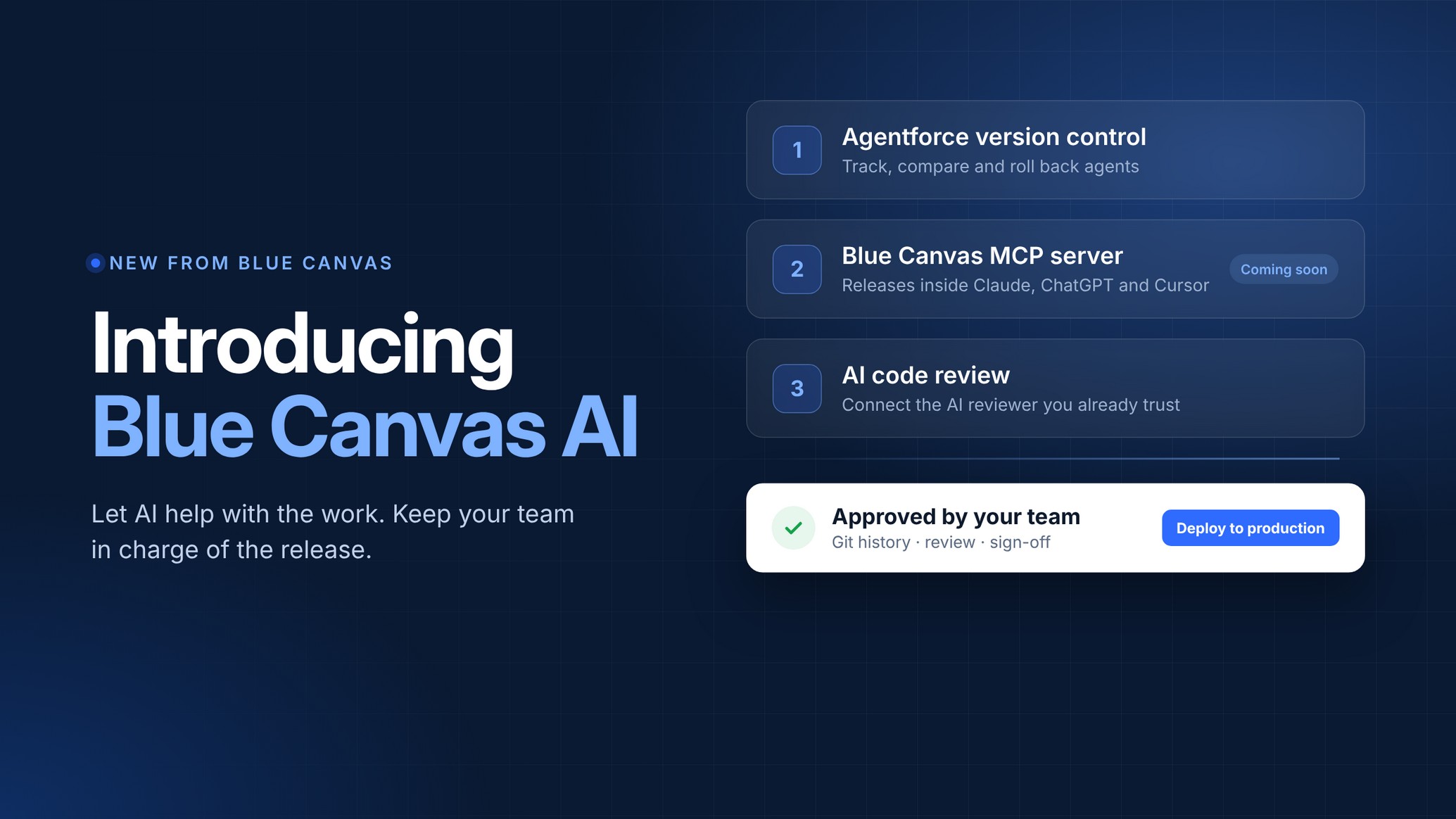
Salesforce teams are putting AI to work. Admins are building Agentforce agents. Developers are working alongside Claude, ChatGPT and Cursor. Some teams are connecting their own internal AI to code review.
That saves time. But when something breaks, you still need to know what changed, who changed it and how to undo it. For a small Salesforce team, tracking that down can take time you don't have.
Today we're introducing Blue Canvas AI: three ways to bring AI into your Salesforce release process while keeping your team in control. Each builds on the same foundation as Blue Canvas: Git-based version control, clear reviews and approval rules you set.
1 Version control for your Agentforce agents
A small prompt edit can change how an agent behaves. Your release process needs to make that edit easy to find and review.
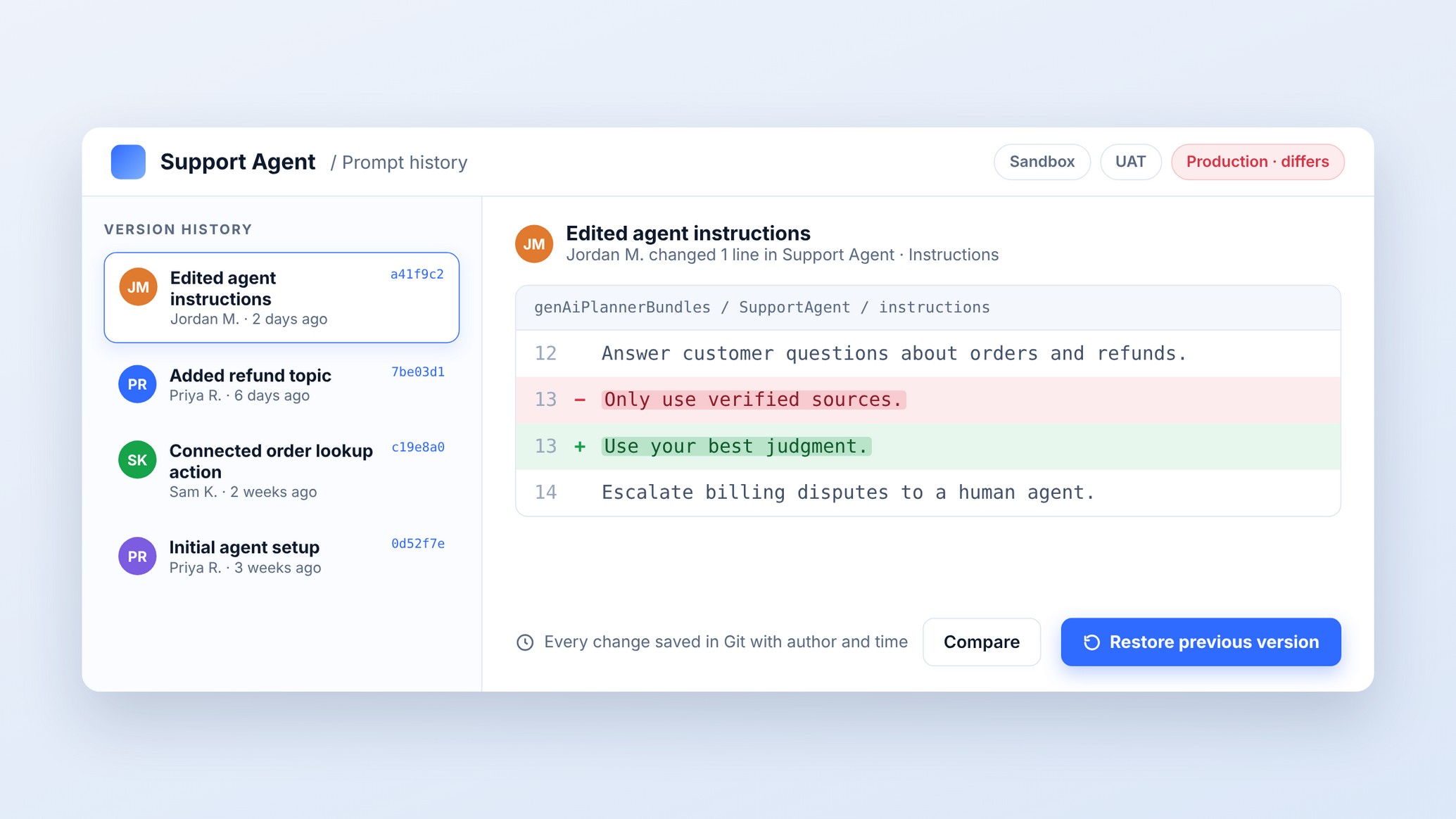
Imagine someone changes a support agent prompt from “Only use verified sources” to “Use your best judgment.” Two days later, the agent starts giving customers the wrong guidance on refunds.
With Blue Canvas, you can open the agent history, see who made the edit and compare the exact lines that changed. If that edit caused the problem, you can restore the previous version and test the agent again, with a record of what happened.
What you get
- Agent changes saved in Git. Track prompts, topics and actions, along with who changed them.
- Comparisons across environments. See where your agent differs between sandbox, UAT and production.
- Rollback to a known good version. Restore earlier agent configuration when you need to undo a change.
- Approvals and an audit trail. Review changes before release and keep a record of who changed what and when.
Build and test in a sandbox, review the changes together, then deploy to production with an approval step. Your admins spend less time copying agent changes by hand, and your team has a clear path to release and recovery.
Best for: admins and teams building Agentforce agents.
Explore Agentforce version control
2 The Blue Canvas MCP server
Coming soon. Your Salesforce releases, right inside the AI chat you already use.
The Blue Canvas MCP server uses Model Context Protocol to connect Blue Canvas to Claude, ChatGPT and Cursor. You'll be able to check changes, compare orgs and start deployment requests by asking in plain language.
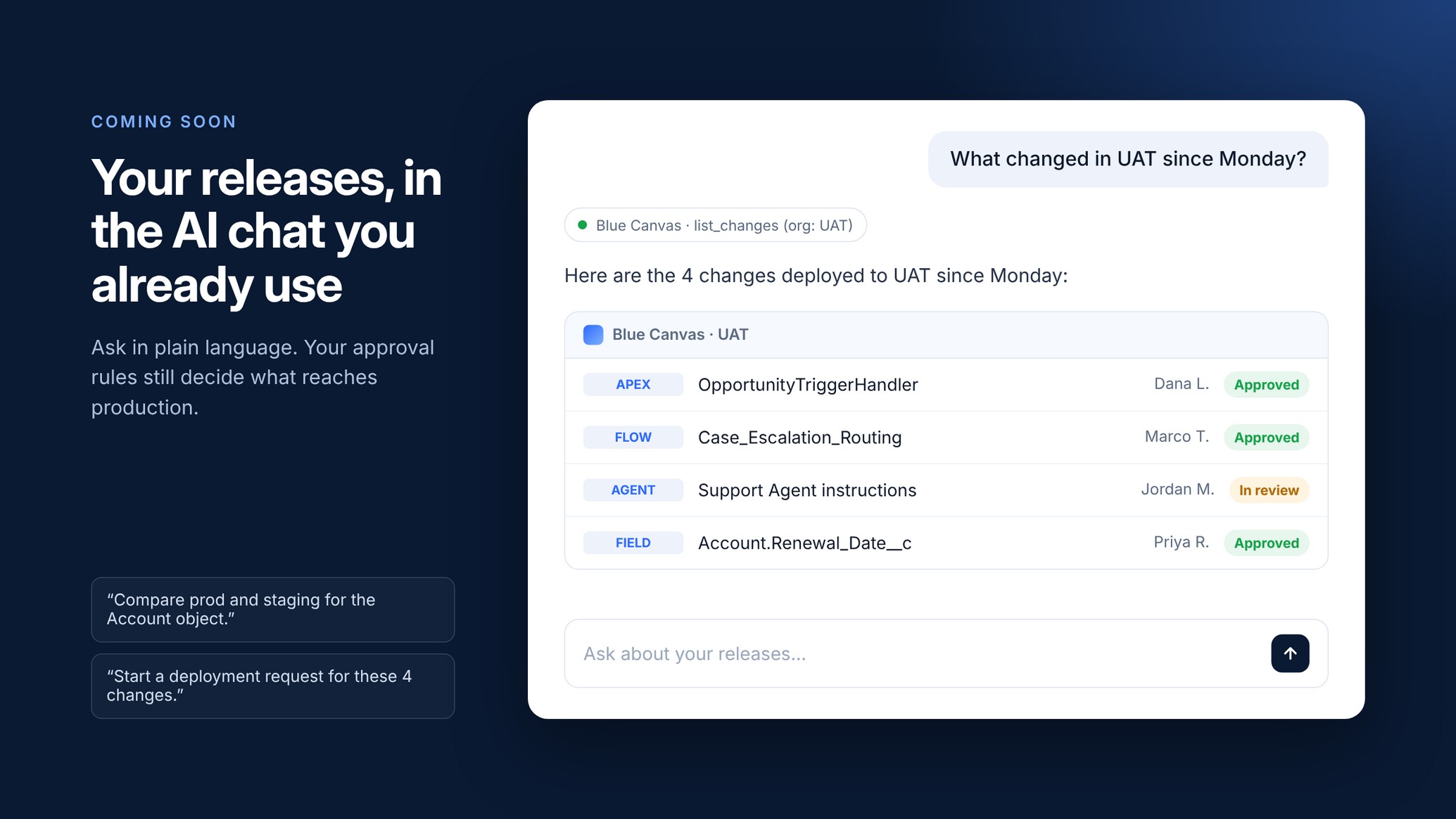
- “What changed in UAT since Monday?” Get the changes and their status from Blue Canvas.
- “Compare prod and staging for the Account object.” See where the two orgs differ.
- “Start a deployment request for these 4 changes.” Create a request for your team to review.
Your approval rules still decide what reaches production. A request started in chat goes through the review and sign-off your team requires.
For admins and developers already using these tools, that's less switching between screens and a simpler way to find the release information they need.
Best for: admins and developers already using Claude, ChatGPT or Cursor.
3 AI code review with the AI you already use
If your team already has an AI reviewer it trusts, Blue Canvas can connect it to your Salesforce releases. We build custom API endpoints around your workflow, tools and security requirements, so your AI has the context it needs to review changes.
Here's how a review works:
- Your AI reads the deployment request. It calls the endpoint we built for you to see the changes and the target org.
- Linked work items provide context. User stories and tickets explain why each change exists.
- Findings come back to the deployment request. Your team can review AI feedback alongside the changes it concerns.
- Your team signs off. Production approval stays with the people you chose.
Built with a design partner. A global industrial tech company is building its internal AI code review tool on the Blue Canvas API. We worked with their team to add linked work items on deployments and a comments endpoint, so its AI can understand the work and post reviews directly to the deployment request. The team is now helping shape what we build next.
We can build endpoints for your AI agents, connect work items and tickets, and bring review comments and statuses back into deployment requests. Security and access rules follow your policies, with ongoing support as your AI use grows.
Tell us which AI tool you use and how your team releases. We'll work with you to design and build the connection.
Best for: teams already using AI for code review.
Keep control of your Salesforce releases
As AI speeds up how Salesforce changes get made, your team still needs a reliable way to review and release them. Blue Canvas AI brings that work into the release process teams already rely on.
It's built on the same foundation used by Salesforce teams at Twilio, Slack, Sysco and Hershey's:
- Git-based version control for Salesforce metadata
- Approval rules that put your team in control of production
- SOC 2 audited security
Let AI help with the work. Keep your team in charge of the release.
Get started
- Building Agentforce agents? Book a demo to see agent version control in action.
- Want your releases in your AI chat? Join the MCP server waitlist.
- Have an AI code review project in mind? Talk to our team.
Learn more at bluecanvas.io/ai.