7 Salesforce Org Comparison Tools: The Best Options in 2026
Compare the top Salesforce org comparison tools in 2026, including Blue Canvas, Gearset, Copado, Flosum, AutoRABIT, and DevOps Center. See strengths, trade-offs, and who each tool fits.
 By Kenji Sano·Reviewed by the Blue Canvas team··Updated September 30, 2026·6 min read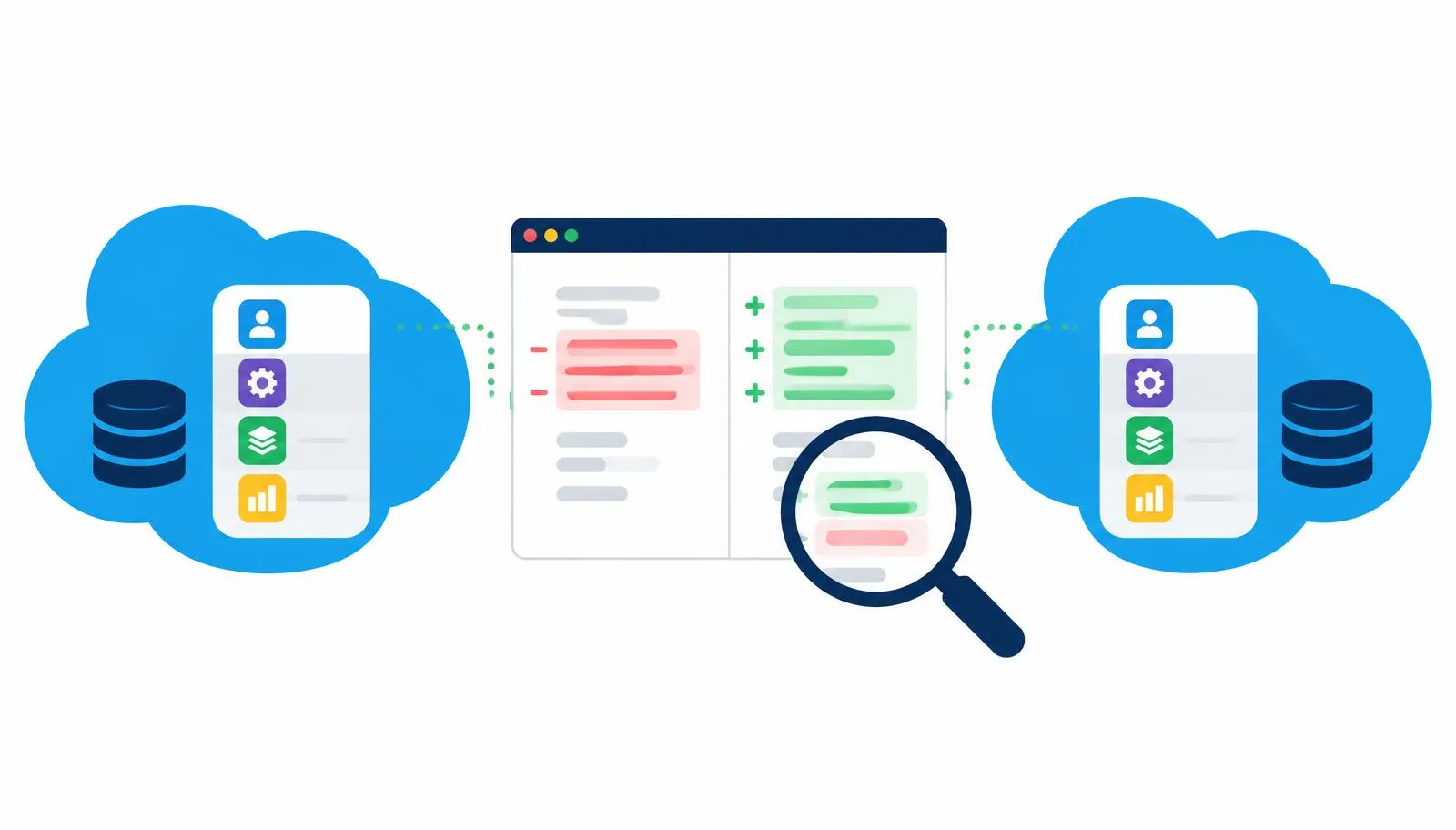
If you work on Salesforce, you've probably asked "why does this work in the sandbox but not in production?" The answer is almost always drift: two orgs that should match but don't. An org comparison tool shows you exactly what's different, so you can fix it before it breaks a deployment.
In 2026 this matters more than ever. Teams are shipping Agentforce agents, prompt templates, and Flows alongside classic Apex and metadata. More moving parts means more places for orgs to drift apart.
Here's a look at the main options this year, what each does well, and who each one fits.
What to look for in an org comparison tool
Before looking at tools, here's what separates a good one from a basic one:
- Speed. Comparing two large orgs should take seconds or minutes, not an afternoon.
- Readable diffs. You should see line-level changes, not just "this file is different."
- Metadata coverage. Profiles, permission sets, Flows, CPQ config, and agent metadata are where most tools struggle.
- From compare to deploy. Finding a difference is only half the job. Can you deploy the fix from the same screen?
- History. Version control lets you see when something changed and who changed it, not just that it changed.
- Pricing you can predict. Some tools charge extra for features that feel basic, like automation or backup.
The top tools in 2026
1. Blue Canvas
Full disclosure: this is us. Blue Canvas compares any two Salesforce orgs in seconds and shows every metadata difference side by side. Each org is tracked in Git automatically, so you get a full history of every change, even ones made by clicks in Setup.
Strengths:
- Fast org and sandbox compare, built for keeping environments in sync
- Automatic Git-based version control, with no Git skills required for admins
- Dedicated deployers for Profiles & Permissions and CPQ, two areas where many tools fall short
- Built-in merge conflict detection before deployment
- Simple pricing: one flat per-user price with all features included, no add-on tiers
- SOC 2 certified
Best for: Admin and developer teams that want clear compares and version control without a heavy setup project.
2. Gearset
Gearset is well known for its detailed metadata comparison UI and is a popular choice in the market. It covers compare, deploy, CI/CD, and backup.
Strengths: Clear, detailed diffs; mature deployment features; good Salesforce DX support.
Keep in mind: Features are split across separate products and tiers (for example, Compare & Deploy and Automation are licensed separately), so costs can add up as your team grows.
Best for: Mid-size teams and ISVs focused on deployment speed.
3. Copado
Copado is a full enterprise DevOps platform. Org comparison is one part of a larger system with pipelines, quality gates, and testing.
Strengths: Deep pipeline control, strong testing features, and audit trails for compliance.
Keep in mind: It takes real time and often dedicated staff to set up and run. It's usually the most expensive option.
Best for: Large enterprises with many developers and complex multi-org release processes.
4. Flosum
Flosum runs 100% natively inside Salesforce, which some security teams like.
Strengths: Native platform, so data stays inside Salesforce; built-in version control.
Keep in mind: Reviews often say the interface feels older and slower than external tools.
Best for: Organizations whose security reviews strongly prefer native apps.
5. AutoRABIT
AutoRABIT focuses on compliance and security, with org compare included as part of the platform.
Strengths: Static code analysis, compliance templates, and strong support for regulated industries.
Keep in mind: Setup can be complex, and pricing is not public.
Best for: Financial services, healthcare, and public sector teams with strict audit needs.
6. Salesforce DevOps Center
Salesforce's own free tool. It tracks changes and moves them through a pipeline connected to GitHub.
Strengths: Free and native. A good step up from change sets.
Keep in mind: Comparison is basic, and it isn't built for a full side-by-side org compare.
Best for: Small teams just moving off change sets.
7. Free and DIY options
For quick, one-off checks, you can use the Salesforce CLI to retrieve metadata from two orgs and diff them in VS Code, or try a browser extension. These are fine for a single check but get painful fast when you need to do it every week.
Quick comparison
| Tool | Org compare depth | Version control | Setup effort | Pricing model |
|---|---|---|---|---|
| Blue Canvas | Strong | Automatic Git | Low | Flat per user, all features |
| Gearset | Strong | Yes | Low to medium | Per user, tiered products |
| Copado | Strong | Yes | High | Custom, enterprise |
| Flosum | Good | Native | Medium | Custom |
| AutoRABIT | Good | Yes | High | Custom |
| DevOps Center | Basic | GitHub | Low | Free |
| CLI + VS Code | Basic | Manual | Medium | Free |
How to choose
- Just leaving change sets? Start with DevOps Center, then move up when you outgrow it.
- Want fast compares and history without a big project? Blue Canvas or Gearset.
- Large enterprise with a DevOps team? Copado.
- Strict compliance rules? AutoRABIT or Flosum.
- Want flat fee pricing for all features? Choose Blue Canvas.
Whatever you pick, the goal is the same: know what's different between your orgs before you deploy, not after.