Salesforce for Higher Education: A Statewide Survival Guide for Lean University IT Teams
Most higher ed Salesforce DevOps tools ignore the day-to-day reality. What you actually need is a simple way to see what's different between your orgs and fix it before it breaks something.
 By Randalyn Hill-Coffer·Reviewed by the Blue Canvas team··Updated August 23, 2026·6 min read
The Real Job: One Org, Statewide, With a Skeleton Crew
Running Salesforce for higher education is kind of an extreme sport. You're supporting 40,000 students, faculty, and alumni across multiple campuses with an IT team that could fit inside a hatchback. But the part that actually keeps you up at night isn't headcount. It's that you're on the hook for keeping every campus running the same core Salesforce configuration, statewide, while every regional dean wants their own custom fields and every department swears their advising process is a special snowflake.
That's the job, stated plainly: one system of record, a dozen sets of hands, and a mandate to keep it all in sync without a release engineer, a QA department, or a six-month rollout window.
Most higher ed Salesforce DevOps tools ignore this reality. They're built for 50-person enterprise teams with dedicated release managers, not for a 2-3 person crew trying to keep the flagship campus and the regional site on the same page. What you actually need is a simple way to see what's different between your orgs and fix it before it breaks something.
The Root Problem for Higher Education: Configuration Drift Across Campuses
In a statewide higher ed system, your Salesforce footprint isn't one org. It's a whole family of them, each with its own sandbox, its own admin, and its own idea of what "normal" looks like. Admissions, Advancement, Academic Advising, and Financial Aid are all touching production, often at the same time, often without knowing what the others just changed.
This is where drift creeps in. Campus A adds a custom object for a regional scholarship program. Campus B tweaks a validation rule to fix a local intake form. Neither change is wrong on its own, but six months later, your statewide reporting is pulling inconsistent data, and nobody can say exactly why the numbers from two campuses don't line up anymore.
Uncoordinated changes are the actual disease here, not weak governance. More sync meetings and approval committees don't fix drift; they just slow everyone down while it keeps happening quietly in the background. What fixes it is being able to see, side by side, exactly how Campus A's org differs from Campus B's, line by line, before anything gets deployed, so you catch the collision instead of discovering it three campuses later.
See how this plays out day to day on Blue Canvas's Academic Operations page.
Where Drift Shows Up: Decision Day and Deadline Night
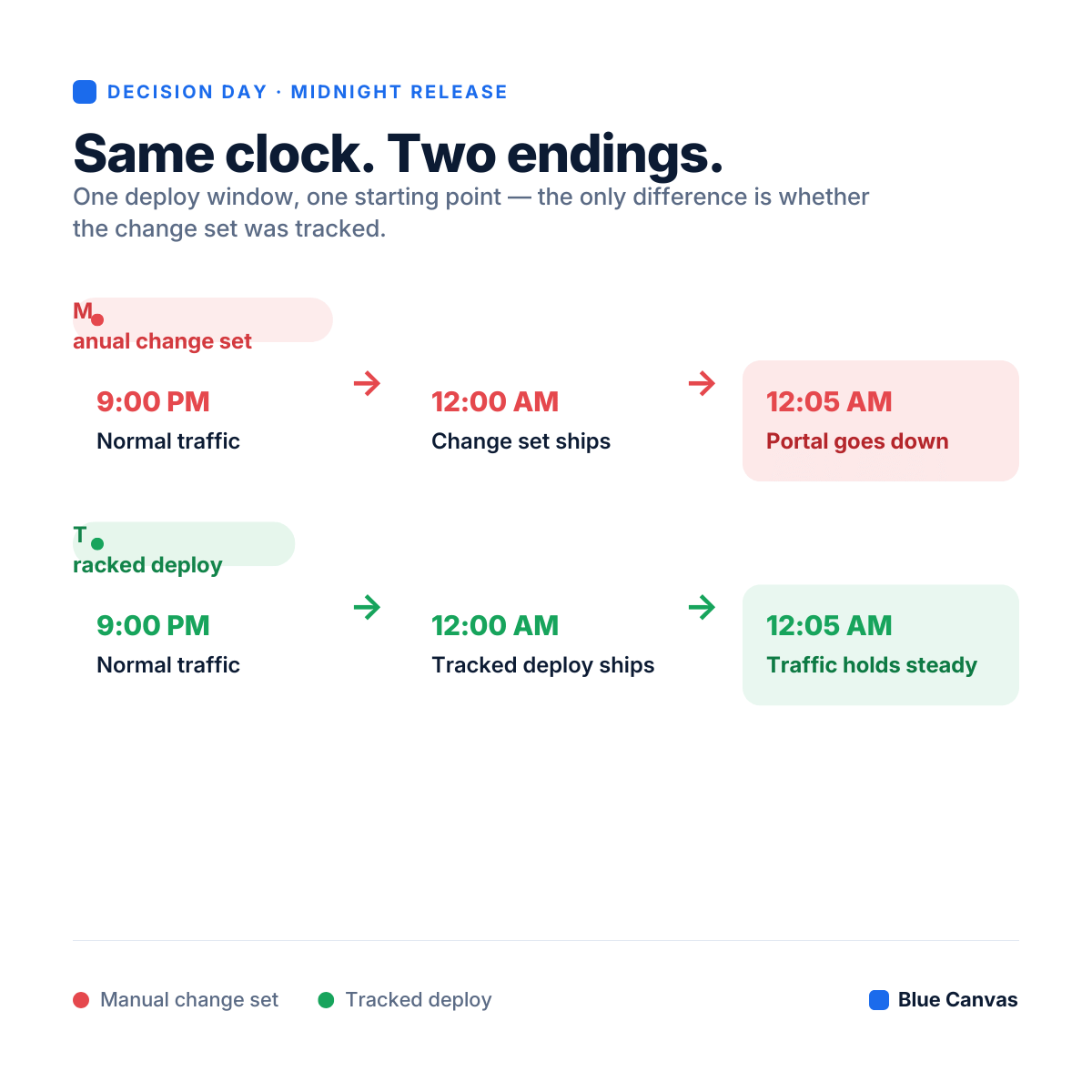
Configuration drift isn't just an abstract reporting problem for a higher ed IT team. It's what turns a routine release into a Decision Day disaster. When your orgs aren't actually identical, a change that deploys cleanly on one campus can quietly break on another because of a dependency, field, or Apex class that only exists in one of them.
Shipping that kind of change with manual Change Sets at midnight, during peak application traffic, is a bet you can't afford to lose. Change Sets don't tell you what's different between environments. They just move whatever you pointed them at and hope nothing was missed. If a hidden dependency doesn't exist on the receiving org, you find out when the portal goes down, not before.
The fix is the same one that solves drift in general: automated metadata tracking that shows you exactly what's changing and where it's landing, plus 1-click deployment so a midnight hotfix doesn't require reconstructing what's different between two orgs from memory.
Where Drift Shows Up: Permissions and FERPA Risk
The same statewide-consistency problem shows up again in higher ed security. You're managing permission sets across prospective students, adjunct faculty, admissions counselors, financial aid officers, and campus directors, and the expectation is that access controls are aligned the same way at every campus, not "close enough."
When permission sets are edited manually, campus by campus, they drift too, just like objects and validation rules do. One admin fixes a field-level security setting for a counselor at Campus A and doesn't touch Campus B. Now the two campuses handle student financial data differently, and that inconsistency is exactly what turns into a FERPA finding or a locked-out professor during finals week.
Comparing profiles and permission sets visually across every sandbox and production org, the same way you'd compare any other metadata, lets you push one precise security change everywhere it needs to go, instead of clicking through 45 pages of Setup per campus and hoping you didn't miss one.
If you're looking for the tactical side of this — how to actually structure safe permission deployments inside one org — Salesforce for Academic Operations walks through the deployment mechanics in detail.
What Statewide Alignment Actually Requires
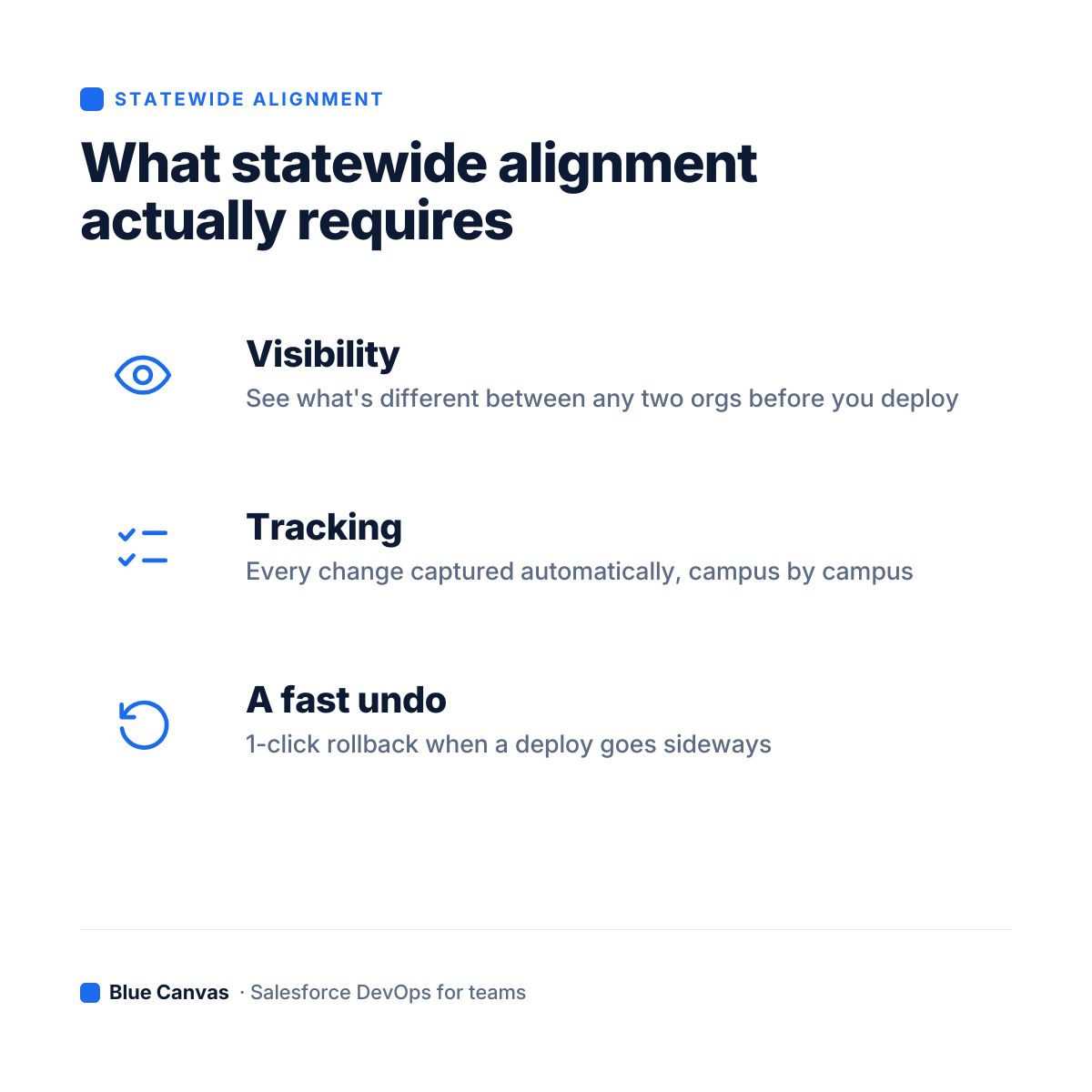
None of this needs an enterprise DevOps suite built for a 50-person team, and it doesn't need a team of consultants or a command-line learning curve. It needs three things, applied across every campus org, not just one:
- Visibility — a clear, side-by-side view of what's different between any two orgs in your statewide footprint, before you deploy.
- Tracking — every change captured automatically, so nobody's relying on memory or a Slack thread to know what shipped where.
- A fast undo — 1-click rollback when a deploy goes sideways, so a Friday afternoon mistake doesn't become a weekend of manual metadata forensics.
That's what keeps a flagship campus and a regional site on the same configuration without a governance committee refereeing every change.
The Day Two Problem: What Happens When the Consultant Leaves
Here's the scenario nobody puts in the RFP: the consultancy that stood up your statewide architecture wraps the project, the one admin who understood the whole hub-and-spoke setup takes a job at another system, and eighteen months later nobody on staff can explain why Campus C's permission sets look different from everyone else's. Statewide alignment isn't a project you finish — it's a state you have to keep maintaining after the people who built it are gone. That's the real argument for tooling that makes drift visible on its own, instead of tooling that only works as well as the person who remembers how it was set up.
Keeping Everyone Aligned Without Losing Your Mind
When your mandate is "the same Salesforce configuration, statewide," every deployment carries extra weight — a change that works fine at the main campus can break a regional workflow the moment the two orgs fall out of sync. The fix isn't more process. It's being able to see drift before it ships, track changes automatically, and roll back instantly when something slips through.
That's how a lean higher ed team of two or three keeps a dozen campuses aligned, protects student data, and still makes it home for dinner on Decision Day
Stop praying to the deployment gods on Decision Day.
FAQ
How many Salesforce orgs should a state university system run?
There's no single right number — some statewide systems run one shared org with campus-level partitioning, others run a hub-and-spoke model with a dozen or more connected orgs, one per campus or region. The right count depends on how much local autonomy each campus needs versus how much needs to stay standardized. What matters more than the count is having visibility across whichever orgs you end up with, so campuses don't quietly drift apart from each other over time.
What is hub-and-spoke Salesforce architecture in higher education?
Hub-and-spoke is a model where a central "hub" org (often run by the system office) connects to multiple campus-level "spoke" orgs, letting each campus keep some local configuration while core objects, reporting, and compliance settings stay consistent system-wide. It's common in state community college and university systems that need to balance campus autonomy with statewide reporting and governance.
How do you prevent Salesforce configuration drift across multiple campuses?
The core fix is visibility: comparing metadata side by side across every campus org before deploying, rather than relying on governance meetings or institutional memory to catch conflicts. Automated change tracking and fast rollback make it possible to catch drift before it reaches production instead of discovering it during a high-stakes release window.