Is Salesforce DevOps Center Really Free? Hidden Costs to Know in 2026
Salesforce DevOps Center is free — but hidden costs in Git licensing, manual workarounds, and missing rollback features add up fast. See what Blue Canvas offers instead in 2026.
 By Randalyn Hill-Coffer·Reviewed by the Blue Canvas team··Updated March 21, 2026·16 min read
You're a team of three. Maybe five on a good day. Your Salesforce org is growing faster than your headcount, and you're spending half your Friday manually comparing sandboxes before the weekly release. Someone mentioned Salesforce DevOps Center is "free," and you're wondering if it's the answer to your deployment chaos.
Spoiler: it's complicated.
Salesforce DevOps Center might not have a line item on your Salesforce invoice, but free doesn't mean it won't cost you. For lean teams juggling too many hats, the hidden price tag shows up in setup time, licensing prerequisites, feature gaps, and the kind of complexity that turns a simple deployment into a three-hour ordeal.
This guide breaks down what DevOps Center actually costs in 2026, where those costs hide, and what alternatives exist for teams that need to ship fast without hiring a DevOps engineer.
What Salesforce DevOps Center Actually Is (And Isn't)
Salesforce DevOps Center launched as Salesforce's native answer to the deployment problem. It's built into the platform, which sounds convenient until you realize what that really means for a small team.
DevOps Center is designed to help teams manage changes across multiple Salesforce environments using version control. It connects your sandboxes to a Git repository, tracks changes, and theoretically makes deployments smoother. The tool aims to bring modern DevOps practices to Salesforce without requiring third-party software.
But here's the thing: DevOps Center was built with enterprise workflows in mind. It assumes you have dedicated release managers, structured branching strategies, and the bandwidth to configure pipelines. For a team of two admins and a part-time developer, that breaks down fast.
The tool handles basic version control and change tracking, but it doesn't solve the daily friction points that actually slow down small teams. Friction points like:
- Comparing two orgs to see what changed?
- Merging work from multiple sandboxes before a release?
- Catching missing dependencies before a deployment fails?
Those workflows require workarounds or manual effort.
The "Free" Label: What It Means and What It Doesn't
Salesforce markets DevOps Center as free, and technically, they're not lying. You won't see a separate charge for the tool itself. But free access doesn't mean zero cost.
First, there are licensing prerequisites. DevOps Center requires specific Salesforce editions and user licenses to function. If your org is running on Professional Edition or you don't have the right user permissions, you're already blocked. Upgrading your edition or adding licenses to meet those requirements isn't free.
Second, there's the Git repository requirement. DevOps Center doesn't host your version control. You need to bring your own GitHub, Bitbucket, or GitLab account. For small teams without an existing Git setup, that means signing up for a paid tier on one of those platforms. The free tiers often lack the security, storage, or user limits you need for a production Salesforce org.
Third, there's the setup cost. DevOps Center requires configuration. You need to connect your orgs, set up your repository structure, define your branching strategy, and configure your pipelines. For teams without Git experience, this isn't a 20-minute task. It's a multi-day project that pulls your already-stretched team away from actual work.
Fourth, there's the ongoing maintenance cost. Pipelines break. Connections time out. Metadata API changes introduce new quirks. Someone on your team needs to own this, and that someone is probably already managing user requests, building flows, and troubleshooting integrations.
Finally, (and most importantly…) there's the opportunity cost. If DevOps Center doesn't solve your core problems, the time you spend trying to make it work is time you're not spending on tools that actually fit your workflow.

Hidden Cost #1: The Git Knowledge Tax
Salesforce DevOps Center assumes you understand Git. Not just "I've heard of version control" understanding, but actual working knowledge of branches, commits, merges, pull requests, and conflict resolution.
For developers, this is often second nature. For admins who spend their days building flows and managing profiles, it's a foreign language. And here's the problem: DevOps Center doesn't abstract away the Git complexity. Salesforce DevOps Center centers around this complexity.
When a deployment fails because of a merge conflict, DevOps Center tells you there's a conflict, BUT, it doesn't tell you how to fix it. You need to understand what a three-way merge is, how to resolve conflicting changes, and which version of the metadata should win. If you don't have that knowledge, you're stuck Googling or posting in community forums while your release window closes.
This creates a knowledge tax. Either you spend time (that you don’t have) learning Git, or you hire (with the budget you don’t have) someone who already knows it, or you take the risk (that you really shouldn’t) of muddling through and hoping nothing breaks.
For a team of five, these hidden taxes compound fast. Every new team member needs to learn the same concepts. Every deployment becomes a teaching moment. Every conflict becomes a bottleneck.
Hidden Cost #2: The Setup and Configuration Burden
Unfortunately, Salesforce DevOps Center doesn't work out of the box. It requires deliberate setup, and that setup assumes you already have architectural structure in your release process.
What seems simple, pushing new deployments will now require you to decide on a branching strategy. Will you use feature branches? Environment branches? A trunk-based model? If you don't know what those terms mean, you're already behind. If you pick the wrong strategy for your team size, you'll spend months fighting your own process.
In order to connect your Salesforce orgs and your Git repository, you’ll need OAuth flows, connected apps, and permissions. If your security team locks down connected apps, you'll need to file tickets and wait for approvals. If your repository structure doesn't match what DevOps Center expects, you'll need to refactor.
On top of that, you’ll need to configure your pipelines. What metadata gets tracked? What gets excluded? How do you handle profiles and permission sets? What about destructive changes? These aren't one-time decisions. Every time your org structure changes, you need to revisit your pipeline configuration.
For enterprise teams with dedicated DevOps engineers, this setup is manageable. For a lean Business Systems team, it's a project that never quite finishes. You get 80% of the way there, hit a blocker, and end up back in Change Sets because at least those work.
Hidden Cost #3: Missing Features That Matter for Small Teams
Salesforce DevOps Center covers the basics, but it's missing features that small teams rely on to move fast.
Teams quickly realize the gap in lack of Org comparison options. Before you deploy, you need to know what's different between your sandbox and production. What changed in production since you started working in your sandbox? What's in your sandbox that isn't in production yet? DevOps Center doesn't give you a side-by-side comparison tool. You're left manually checking or using the Metadata API to pull reports.
Then they notice dependency resolution. Salesforce metadata is deeply interconnected. A custom field might be referenced in a validation rule, a flow, a page layout, and a permission set. If you try to deploy that field without its dependencies, the deployment fails. DevOps Center tells you the deployment failed, but it doesn't automatically identify what's missing or offer to include it. You need to hunt down the dependencies yourself.
After that teams learn that merging changes from multiple sandboxes is painful. If you have three developers working in three different sandboxes, and you need to combine their work into a single release, DevOps Center doesn't make that easy. You're manually merging branches, resolving conflicts, and hoping you didn't miss anything.
Lastly, rollback is limited. If a deployment goes wrong, you can't just click a button to undo it. You need to understand Git revert commands, create a new deployment, and push the rollback through your pipeline. For a panicked admin at 6 PM on a Friday, it’s not a good experience.
These aren't fringe examples. These are the daily workflows that determine whether your deployment process feels smooth or spikes your anxiety.
Hidden Cost #4: The Time Sink of Manual Code Comparisons
Let’s talk about the problem every small team needs a better solution for…pre release weekly code comparisons..
You're probably doing this manually right now. You open your sandbox, open production, and start clicking through objects, fields, flows, and validation rules to see what's different. It takes hours. You miss things. And by the time you're done, someone has made another change in production, and your comparison is already stale.
DevOps Center doesn't solve this. It tracks changes over time, but it doesn't give you a fast, visual way to compare two orgs and see exactly what's different right now. You still need to rely on the Metadata API, third-party tools, or manual spot checks.
For a team doing weekly releases, this sunk time adds up. If you're spending three hours every Friday on comparisons, that's 156 hours a year. That's nearly four full work weeks spent clicking through orgs instead of building features or fixing bugs. 😱
The hidden cost here isn't just time. It's the opportunity cost of what you could be doing instead. It's the risk of missing a critical change and breaking production. It's the burnout that comes from doing tedious work that feels like it should be automated.

Hidden Cost #5: The Complexity Overhead for Teams of 1 to 5
The Salesforce DevOps Center is built for scale. It's designed for organizations with multiple development teams, complex release trains, and formal change management processes. If that's not you, the tool feels like overkill.
Every feature in DevOps Center assumes a certain level of process maturity. It assumes you have a release manager who owns the pipeline. It assumes you have a branching strategy that everyone follows. It assumes you have time to train new team members on the workflow.
For a team of three, that overhead is heavy enough to kill the process. You don't need a formal release train. You need to get this one change into production before the VP of Sales emails you again. You don't need a complex branching strategy. You need to see what's different between two orgs and deploy it without breaking anything.
The complexity overhead shows up in unexpected places. In the number of clicks it takes to start a deployment. In the error messages that assume you understand Salesforce DX. In the documentation that's written for enterprise architects, not overworked admins.
This overhead doesn't just slow you down. It creates friction. Friction leads to workarounds. Workarounds lead to inconsistency. And inconsistency leads to the kind of deployment chaos you were trying to avoid in the first place.
What You Actually Need: A Reality Check for Lean Teams
If you're a Business Systems team of one to five people, here's what you actually need from a DevOps tool:
You need fast (and accurate!) org comparison. You should be able to see what's different between two Salesforce orgs in seconds, not hours. You should get a visual diff that shows you exactly what changed, when, and by whom.
You need automatic dependency detection. When you select a field to deploy, the tool should automatically identify related validation rules, flows, page layouts, and permission sets. You shouldn't need to hunt down dependencies manually or learn the Metadata API.
You need simple merging. If you have multiple sandboxes with different changes, you should be able to merge them into a single release without becoming a Git expert. The tool should handle the complexity and show you only the conflicts that actually need your attention.
You need one-click rollback. If something goes wrong, you should be able to undo it immediately. No Git commands. No panic. Just a button that says "revert to the last working state."
You need setup that takes minutes, not days. You shouldn't need to read 50 pages of documentation or hire a consultant to get started. Connect your orgs, and the tool should start working.
You need a tool that doesn't assume you have a DevOps engineer on staff. The interface should make sense to admins and developers alike. The error messages should tell you what went wrong and how to fix it. The workflow should match how small teams actually work, not how enterprise teams are supposed to work.
Most importantly, you need a tool that respects your time. You're already doing the work of three people. Your DevOps tool should make your life easier, not add another layer of complexity to manage.
Alternative Approaches: Tools Built for Teams That Wear Too Many Hats
If DevOps Center's hidden costs don't make sense for your team, you're not stuck. There are alternatives built specifically for lean Salesforce teams that need to move fast without enterprise overhead.
Blue Canvas is designed for exactly this problem. It's built for the teams of one to five who are tired of tools that assume they have a 500-person IT department. The setup takes four clicks. You connect your orgs, and Blue Canvas automatically starts tracking changes. No Git knowledge required. No branching strategy to design. No pipelines to configure.
The org comparison happens in seconds. You pick two orgs, and Blue Canvas shows you every difference. Fields, flows, validation rules, profiles, permission sets. Everything. You can see what changed, who changed it, and when. No manual clicking. No three-hour Friday marathons.
Dependency resolution is automatic. When you select metadata to deploy, Blue Canvas shows you what's required and what's related. Missing a validation rule? It tells you. Forgot a page layout? It catches it. You don't need to understand the Metadata API or memorize dependency chains.
Merging changes from multiple sandboxes is straightforward. Blue Canvas treats each sandbox as a branch and gives you a three-way merge editor that shows you exactly where conflicts exist. You resolve the conflicts that matter and ignore the noise. No Git commands. No terminal windows. Just a visual interface that makes sense.
Rollback is built in. Every change is automatically backed up. If a deployment goes wrong, you click "revert," and Blue Canvas rolls back to the previous state. No panic. No downtime. No explaining to your VP why the opportunity page is broken.
The tool integrates with the systems you already use. Jira for tracking work. Slack for notifications. GitHub, GitLab, or Bitbucket if you want Git integration (but you don't need to interact with Git directly). It fits into your workflow instead of forcing you to change your workflow.
Blue Canvas is SOC 2 certified, so you're not trading security for simplicity. Your metadata stays protected. Your audit trail stays intact. You get enterprise-grade governance without enterprise-grade complexity.
The pricing is transparent. No hidden licensing requirements. No surprise costs when you add a sandbox. No consulting fees to get started. You pay for the tool, and the tool works.
For teams that need to compare orgs and manage deployments without becoming DevOps experts, Blue Canvas solves the actual problem. It's the tool you wish existed when you were three hours into a manual comparison on a Friday afternoon.

Other Tools Worth Considering
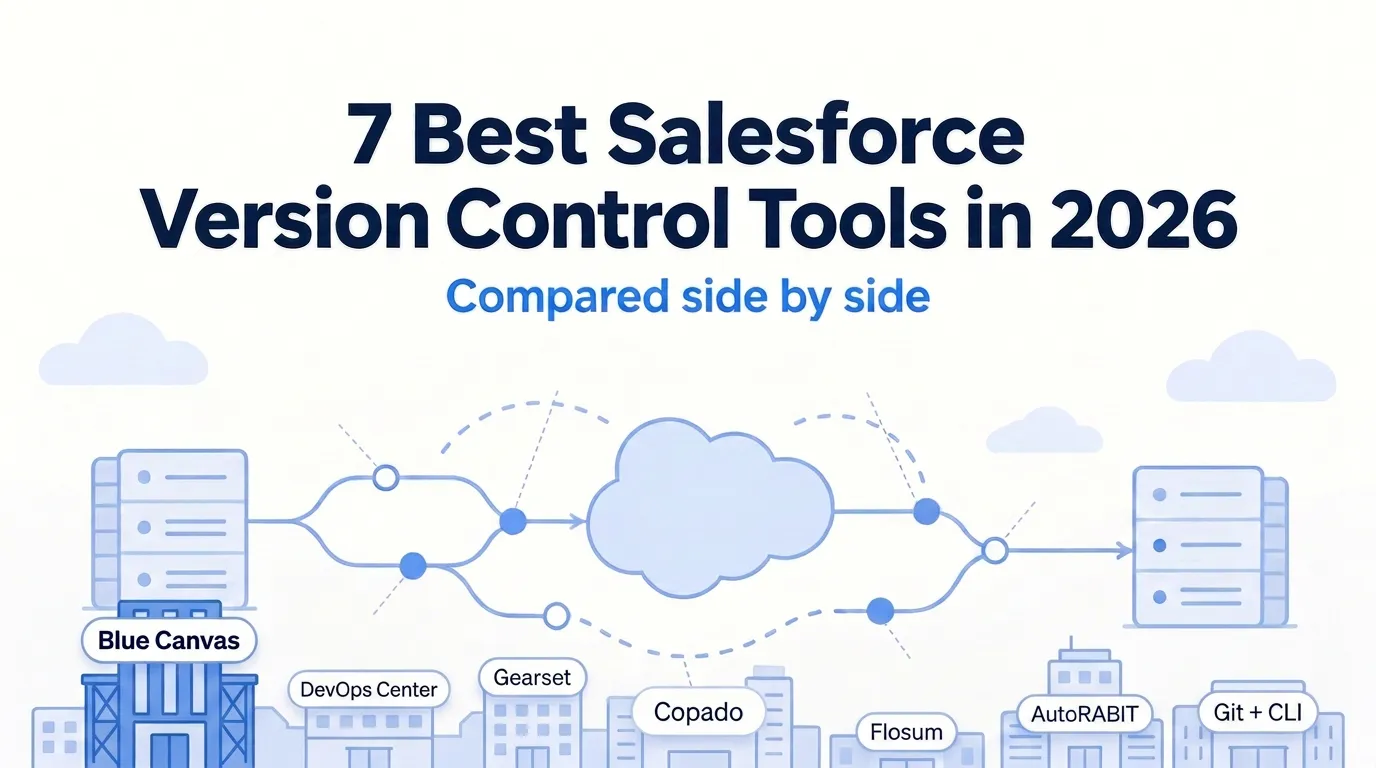
Blue Canvas isn't the only alternative, though it's the one built specifically for lean teams. Depending on your needs, a few other tools might be worth evaluating.
Gearset is a strong option if you need advanced comparison and deployment features. It offers detailed org comparisons, dependency analysis, and automated testing. The interface is polished, and the feature set is comprehensive. The tradeoff is complexity and cost. Gearset is priced for larger teams, and the feature set can feel overwhelming if you just need to compare two orgs and deploy a handful of changes.
Copado is built for enterprise-scale DevOps. If you're managing dozens of sandboxes, complex release trains, and multi-team coordination, Copado has the features to support that. But for a team of three, it's overkill. The setup is extensive, the learning curve is steep, and the pricing reflects its enterprise focus.
AutoRABIT is another enterprise-focused tool with strong compliance and backup features. It's a good fit for regulated industries that need detailed audit trails and automated backups. Like Copado, it's built for scale, which means it's more tool than most small teams need.
Salesforce CLI and SFDX are free and powerful, but they require technical expertise. If you have a developer on your team who's comfortable with command-line tools and scripting, SFDX can be a solid foundation for a custom DevOps workflow. But if your team is mostly admins, the learning curve is prohibitive.
Change Sets are Salesforce's native deployment tool, and they're free. They work for simple deployments, but they don't solve the comparison problem, they don't handle dependencies well, and they don't scale as your org grows. If you're reading this guide, you've probably already outgrown Change Sets.
The right tool depends on your team size, technical expertise, and budget. But for lean Business Systems teams that need to move fast without hiring a DevOps engineer, Blue Canvas is the tool built for your reality.
Making the Decision: What to Evaluate Before You Commit
Before you commit to any DevOps tool, including DevOps Center, run through this checklist. It'll save you from investing time in a tool that doesn't actually solve your problem.
First, test the setup process. How long does it take to connect your first org? Do you need to read documentation, or is it self-explanatory? If setup takes more than 30 minutes, that's a red flag for a small team.
Second, test org comparison. Connect two orgs that you know have differences. How long does it take to see those differences? Is the comparison visual and easy to understand, or do you need to parse API output? If you can't compare orgs in under a minute, the tool won't save you time on weekly releases.
Third, test a real deployment. Pick a small change and try to deploy it from a sandbox to production. Does the tool catch missing dependencies? Does it show you what will change before you deploy? Can you roll back if something goes wrong? If any of those answers is no, you'll hit problems in production.
Fourth, test the learning curve. Hand the tool to the least technical person on your team. Can they figure out how to compare orgs and deploy a change without training? If not, you'll spend weeks onboarding every new team member.
Fifth, check the pricing. What's included in the base price? What costs extra? Are there hidden fees for additional sandboxes, users, or API calls? If the pricing isn't transparent, you'll get surprised later.
Sixth, check the support. What happens when you hit a problem? Is there documentation? Live chat? A community forum? If you're a small team, you can't afford to wait three days for an email response when a deployment is broken.
Seventh, check the integrations. Does the tool work with Jira, Slack, or whatever project management system you use? If it's a standalone tool that doesn't connect to your workflow, you'll end up with another system to check.
Finally, check the exit strategy. If the tool doesn't work out, how hard is it to leave? Can you export your data? Can you switch to another tool without losing your history? If you're locked in, you're stuck even if the tool stops meeting your needs.
Run through this checklist with DevOps Center and any alternative you're considering. The tool that passes all seven tests is the tool that will actually make your life easier.
The Real Cost of "Free": Time, Complexity, and Opportunity
DevOps Center is free in the same way that a free puppy is free. The upfront cost is zero, but the ongoing investment is real.
You'll invest time in setup and configuration. You'll invest time in learning Git and training your team. You'll invest time in troubleshooting pipelines and resolving merge conflicts. You'll invest time in manual workarounds for features that don't exist.
You'll invest mental energy in managing complexity. Every deployment becomes a multi-step process. Every new team member needs training. Every change to your org structure requires pipeline updates.
You'll invest opportunity cost in what you're not doing. Every hour spent fighting your DevOps tool is an hour you're not spending on the work that actually matters. Building features. Fixing bugs. Supporting users. Growing your skills.
For a lean Business Systems team, time is your most valuable resource. You don't have extra hours to spend on tools that don't work. You don't have the budget to hire specialists. You don't have patience for complexity that doesn't add value.
The real cost of "free" is whether the tool respects your time. If it does, it's worth it. If it doesn't, it's expensive no matter what the price tag says.

What Works for Teams of 1 to 5 in 2026
In 2026, the Salesforce DevOps landscape has matured. There are more tools, more options, and more noise. But for teams of one to five, the fundamentals haven't changed.
You need a tool that's fast to set up. You need a tool that solves the comparison problem. You need a tool that handles dependencies automatically. You need a tool that doesn't require a DevOps engineer to operate.
DevOps Center isn't that tool. It's built for enterprise scale, and it shows. The hidden costs in setup time, Git knowledge, and missing features make it a poor fit for lean teams.
Blue Canvas is that tool. It's built specifically for the overworked Salesforce teams of the world. The ones who wear too many hats, who don't have time for enterprise complexity, and who need their tools to just work.
Setup takes four clicks. (No seriously…it’s that easy!) Org comparison takes seconds. Dependencies are automatic. Rollback is one click. No Git knowledge required. No consulting fees. No surprise costs.
For teams that need to manage deployments and reduce the time spent on code comparisons, Blue Canvas is the practical answer. It's the tool that respects your time, matches your workflow, and solves the actual problem.
If you're tired of spending Friday afternoons manually comparing orgs, if you're frustrated with tools built for companies ten times your size, if you just want to deploy your changes and move on with your life, Blue Canvas is worth a look.
Because in 2026, "free" isn't free if it costs you your Friday nights.