Top 6 Critical Fixes Teams Miss After a Salesforce Sandbox Refresh
After you refresh your sandbox, here’s what most teams forget to fix! But more importantly, how to fix it quickly.
 By Randalyn Hill-Coffer·Reviewed by the Blue Canvas team··Updated December 1, 2025·6 min read
Initially, you might think that refreshing a Salesforce sandbox is a straightforward task. You press a button. The environment resets. Then you get back to work.
But that’s where things go wrong.
A sandbox refresh operation does more than update your sandbox environment. The refresh process eliminates critical system configurations. Some essential team functionalities stop functioning after the reset. Proactively detecting and addressing these functionalities will help your team effectively deploy high-quality work.
After you refresh your sandbox, here’s what most teams forget to fix! But more importantly, how to fix it quickly.
What a Sandbox Refresh Actually Resets
A sandbox refresh operation provides only partial replication of the production environment. The refresh process delivers restricted access to essential functionality.
Here’s what often breaks or disappears:
- Integration settings – Endpoints might still point to production.
- Email settings – Emails are turned off by default.
- User roles and permissions – These often change or break.
- OAuth tokens and apps – You may need to reconnect them.
- Scheduled jobs and flows – These usually stop running.
- Test data – It might not be there at all.
This lack of version control for metadata before the refresh could result in losing all in-progress changes.
A clean sandbox sounds helpful. However, fixing one proves challenging unless you possess knowledge of the required corrections.
Risks of Missing Sandbox Refresh Fixes
Teams that skip post-refresh steps waste time. They also increase risk.
Here’s what can happen:
- A developer tests a feature in a broken environment. The feature functions properly within the sandbox environment before defects are revealed during production deployment.
- QA can’t test anything. Emails won’t send. Data is missing.
- Admins have to redo hours of work.
- A live integration accidentally runs from the sandbox.
These are real problems. But you can avoid them with the right steps.
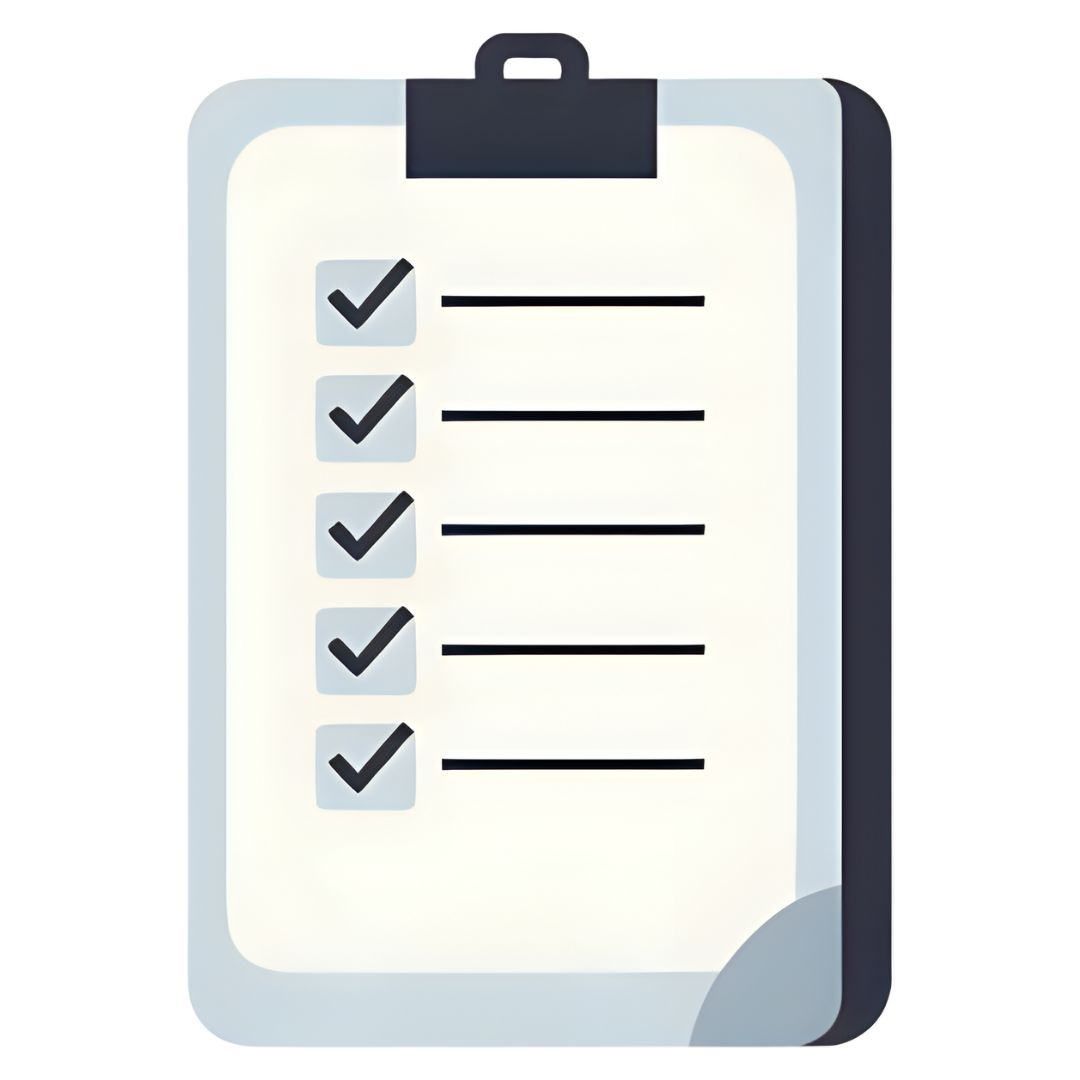
Your Post-Refresh Checklist
Use this checklist after every sandbox refresh.
1. Reset email and integration settings
- Test emails need to bypass sending to actual user accounts. Check all webhooks and endpoints.
2. Fix users and profiles
- The testing process requires developers to possess suitable roles and permission settings. Set them up again.
3. Restart jobs and flows
- After a refresh, numerous automation processes stop running. Turn them back on.
4. Load test data
- The team needs the correct data to perform testing.
5. Reconnect apps
- All apps need to be reauthorized. Testing should occur after you reconnect all applications.
6. Compare environments
- The metadata diff function enables users to view sandbox differences relative to the production environment.
One or two missing items from the checklist will create bugs that require additional hours of rework.
How Blue Canvas Helps
The process of manual correction proves challenging to accomplish. Blue Canvas provides easier functionality for users, because:
It tracks metadata changes.
- When metadata refreshes, items disappear, and Blue Canvas maintains an archive of the missing content.
It shows what’s different.
- You can compare sandboxes and production environments using side-by-side view functions.
It restores changes fast.
- Lost a flow or object? Click to redeploy it.
It keeps a full change log.
- The system maintains a complete record of all modifications, which enables users to determine who made each change, together with the exact time of modification.
No guessing.
- With Blue Canvas, you don’t have to remember what’s broken. You can just see it.

Why Does Sandbox Management Matter
Most teams fail to consider the post-refresh operations during their planning process. They assume things will work.
A mismatch between the sandbox environment and production results in system failures. Features fail. Testing is slow. And bugs get shipped.
Teams that effectively manage their sandboxes achieve concrete business outcomes like:
- QA starts testing faster
- Bugs are easier to catch
- Developers have what they need
- Everyone trusts the environment
The process extends beyond refreshing because it involves a rapid return to work without encountering new issues.
Best Practices for Salesforce Sandbox Refresh Management
High-performing teams do not ignore necessary procedures. Sandboxes receive the same level of attention as release management operations from these teams.
They:
- Use tools to track changes
- Follow a checklist after every refresh
- Assign someone to fix post-refresh settings
- Check the environments before deployment to production
Blue Canvas facilitates these tasks by requiring less labor for your team. It shows what changed. The system enables faster problem resolution. While being intuitive for every member of your team, admins included!
Final Thoughts
A sandbox refresh should help your team. Not slow them down.
But that only happens if you fix what the refresh breaks.
Blue Canvas helps you catch those problems fast. No guesswork. No drama.
Want to see how it works? Schedule a demo today.
Frequently Asked Questions About Salesforce Sandbox Refreshes
What exactly happens during a Salesforce sandbox refresh?
A sandbox refresh replaces the existing sandbox with a copy of your production org—but only certain elements are copied over. Metadata, configuration, and some data (depending on sandbox type) are replicated. However, many environment-specific settings such as integrations, email routing, scheduled jobs, OAuth tokens, and user permissions do not carry over and must be manually corrected.
Why do integrations break after a sandbox refresh?
Because Salesforce copies metadata but does not rewrite environment-specific values, any integration endpoints, credentials, or tokens remain pointed to production systems. This means your refreshed sandbox may attempt to call real production services—or fail entirely until these settings are corrected.
Why are emails disabled in my refreshed sandbox?
Salesforce automatically turns off outbound email to prevent test messages from reaching customers or employees. After a refresh, you must re-enable email deliverability (usually set to “System Email Only” or “All Email”) and verify that test emails route to safe addresses.
Do user roles, profiles, and permissions stay the same?
Not always. While user metadata is copied, individual user permissions, role hierarchies, and access assignments can break or reset depending on your org structure. Developers and QA may suddenly lose access to what they need, which is why post-refresh permission checks are essential.
What happens to scheduled jobs and flows after a refresh?
Most scheduled jobs, background automation, and time-based flows stop running entirely. Salesforce does not restart them for you. They must be manually reactivated to ensure testing and automation function correctly.
Will my test data still exist after a refresh?
Usually not. Developer and Developer Pro sandboxes copy no data. Partial Copy sandboxes bring over a subset, but it often won’t be enough to test reliably. Teams typically have to reload test records after every refresh to ensure accurate QA.
Can a sandbox refresh cause us to lose in-progress work?
Yes. If metadata changes are not committed to version control before refreshing, any configuration that existed only in the sandbox (but not production or Git) will be wiped out. This is a common source of accidental data loss.
Blue Canvas prevents this by automatically backing up metadata and preserving component-level history.
How often should we refresh our sandboxes?
Most teams refresh on a cadence aligned with release cycles—every 2–4 weeks for active development environments. However, refresh timing depends on:
- How quickly your sandbox drifts from production
- How frequently your team deploys
- How much testing data you need
- Whether QA relies on up-to-date configuration
Who is responsible for fixing post-refresh issues?
High-performing teams assign a specific owner—usually a release manager, admin, or DevOps engineer. Without a designated owner, post-refresh tasks often fall through the cracks, leading to slow testing and unexpected defects.
How can I make post-refresh cleanup faster and more reliable?
Follow a repeatable, standardized checklist—ideally documented and followed after every refresh. Using tools like Blue Canvas ensures:
- Automatic tracking of pre-refresh metadata
- Side-by-side diffs between sandbox and production
- One-click restoration of missing or overwritten components
- Visibility into what changed and who changed it
This eliminates hours of guesswork and manual rebuilds.
What’s the biggest risk of not managing sandbox refreshes carefully?
Two main risks:
- False confidence—Teams test in an environment that looks functional but is silently broken.
- Production-impacting bugs—If QA tests in a misconfigured sandbox, defects go undetected and get shipped.
Many teams underestimate how much a broken sandbox costs in rework, delayed testing, and preventable release failures.
How does Blue Canvas simplify sandbox refresh management?
Blue Canvas gives you complete visibility into metadata before and after the refresh. That means you can:
- Instantly see what was lost
- Restore missing items with a click
- Compare any org or branch side by side
- Track every change with a full audit log
Instead of hunting for broken settings, you simply fix what the diff highlights.