
Developer Tips
Salesforce Version Control
Best Practices, Benefits, and Implementation Guide
Harry Williams11 min read

Best Practices, Benefits, and Implementation Guide
Salesforce teams face code clobbering and loss of metadata due to complex sandbox strategies. Git solves this with backup and merge conflict handling. Blue Canvas offers automatic syncing and 1-click conflict resolution for faster development.
How Blue Canvas enables feature branches with our Virtual Packaging concept.

Learn how to simplify the process of performing destructive changes in Salesforce, making it easier and safer to remove unused Apex Classes and other metadata types automatically.
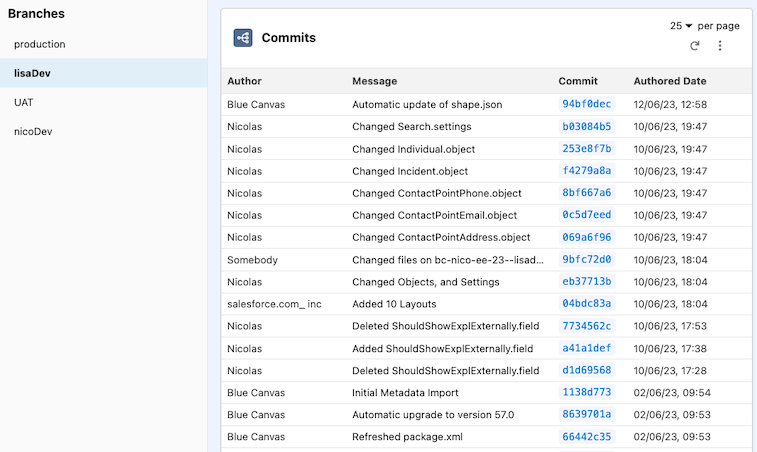
Backing up Salesforce metadata is just as important as backing up data. Blue Canvas uses Git to automatically backup metadata changes.
How Git can solve workflow problems for Salesforce developers using Apex, Visualforce, and Lightning.

Discover proven Apex best practices. Build scalable and agile codebases for enhanced Salesforce performance.

Navigate Salesforce's Debug Logs and Checkpoints for Apex debugging. Understand log messages and checkpoints for efficient problem-solving.
Salesforce is investing in a strategic overhaul of the Force.com developer experience with Salesforce DX, while Blue Canvas offers a managed service that brings native source control to the Salesforce platform in a way that enables CI. Blue Canvas will leverage a lot of the tools that DX makes available, but it is backwards compatible to your current workflow and in private beta today.
Dreamforce 2016 attracted over 170,000 attendees, with DevOps and Continuous Delivery being hot topics, and Git being a major theme.
Turn your text editor into the Salesforce Developer Console with MavensMate for Visual Studio Code.
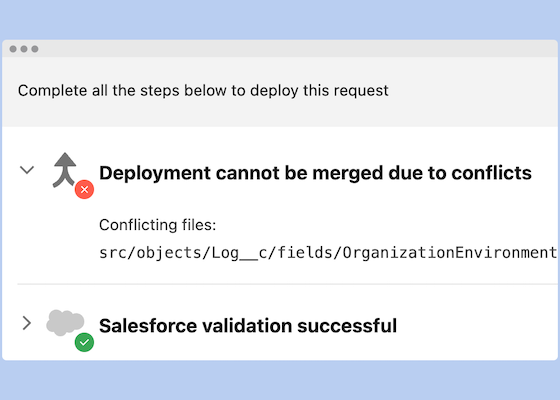
Diving into what it takes to smoothly merge work across Salesforce orgs
Over 850 million lines of code are securely backed up with Blue Canvas, empowering enterprises to continuously deploy and rollback in Salesforce with ease and maintain environment parity across orgs.