Source Control Automation for Salesforce Admins
Salesforce requires a unique source control solution due to its design and user base. Version control for admins should be automated for benefits.
 By Randalyn Hill-Coffer·Reviewed by the Blue Canvas team··4 min read
This article explores why Salesforce requires dedicated source control solutions, the benefits of using version control for admin teams, and how to automate version control for Salesforce.
Here are our 5 Key Takeaways:
1. Salesforce requires a unique source control solution due to its design and user base.
2. Version control for admin teams provides benefits such as backup and disaster recovery, audit trail for debugging, and compliance and security.
3. Automating version control is the best way to get admins using it, and Blue Canvas enables this in four clicks (learn more about Salesforce Version Control).
4. Blue Canvas also provides a conversion between the old metadata API and the newer DX format.
5. Using Salesforce DX for your admin team can improve the Salesforce user experience without sacrificing safety.
Stephan has recently posted this question to the Salesforce developer community. It got us thinking and we thought we’d give our reply here.
Why Salesforce Needs a Unique Version Control Solution
There are two fundamental reasons why Salesforce requires a unique source control solution:
- By design the Salesforce platform encourages configuration changes to be made directly in environments through a UI
- Salesforce projects have a unique user base that spans a wide variety of technical abilities
For most software stacks, changes in functionality are driven through changes to a codebase. This lends itself to a fairly straightforward Git flow or whatever your favorite VCS may be.
For most software stacks, changes in functionality are driven through changes to a codebase. This lends itself to a fairly straightforward Git flow or whatever your favorite VCS may be.
By design, Salesforce is different. Yes there is code, but there is also configuration metadata. Often it is simply faster and more desirable to log straight into an org, make a change to an object or metadata record (like adding a field for example), and save it. No need to touch XML files or a command line.
We agree with Stephan’s tweet: best practices for Salesforce development require that admins are included in your source control flow. And the only way to successfully get admins using version control is the exact mechanism Stephan suggests: when someone clicks save in Salesforce it needs to be automatically pushed to source control.
Businesses love this because it empowers a previously untapped resource - declarative developers - to build complex software projects for the first time. They go by myriad names - business analysts, admins, architects, sales ops professionals, marketing engineers, etc. - but they all have a lot in common - they tend to be business-savvy pragmatists. This is a great thing.
As long as Salesforce continues to encourage this kind of flexibility with it’s platform and user base, it is going to have unique source control requirements.
Version Control for Admins
Just because Salesforce is unique, doesn’t mean that it doesn’t require version control. On the contrary, it requires version control just as much (if not more given the complexity and chaos in so many Salesforce orgs) as other platforms - the implementation just has to be unique.
Implied in Stephan’s tweet is the idea that admins are not being served by the current implementation of DX. And that is okay - DX is meant to be tooling that developers can use to improve the Salesforce development experience for their teams.
But there is clearly a benefit to using source control for your admin teams. If you can get your admins using version control you get the following benefits:
Backup and Disaster Recovery
Version control allows you to safely recover lost work from a sandbox refresh or an overwrite. We talk to developers every day who have seen this happen in their Salesforce instance either through an ill-timed refresh or change set deployment. Keeping your admin metadata in version control mitigates this risk and allows you to improve your Salesforce user experience without sacrificing safety. Learn more about the benefits of Salesforce Metadata Backups.
Audit Trail for Debugging
Version control gives you clear visibility into what is going on in your orgs. Sometimes Salesforce is an opaque system - it’s not clear what changed. One of our customers was recently talking about a time before Blue Canvas and they said that their admins’ changes were not in version control. Almost weekly, they’d find some new bug in their code that related to a configuration change. They would spend at least 2 hours just tracking down what had changed, let alone how to fix it. Source control allows you to quickly see what has happened to your Salesforce metadata.
Compliance and Security
SOX compliance and other security best practices require more of an audit trail. “Who changed what and when?” is a key question for any auditor. This is true for admin work as well as code. Version control can help provide your audit team with more clarity into how work has happened in your Salesforce instance over time.
Version Control Automation for Salesforce
So what is the best way to get these benefits?
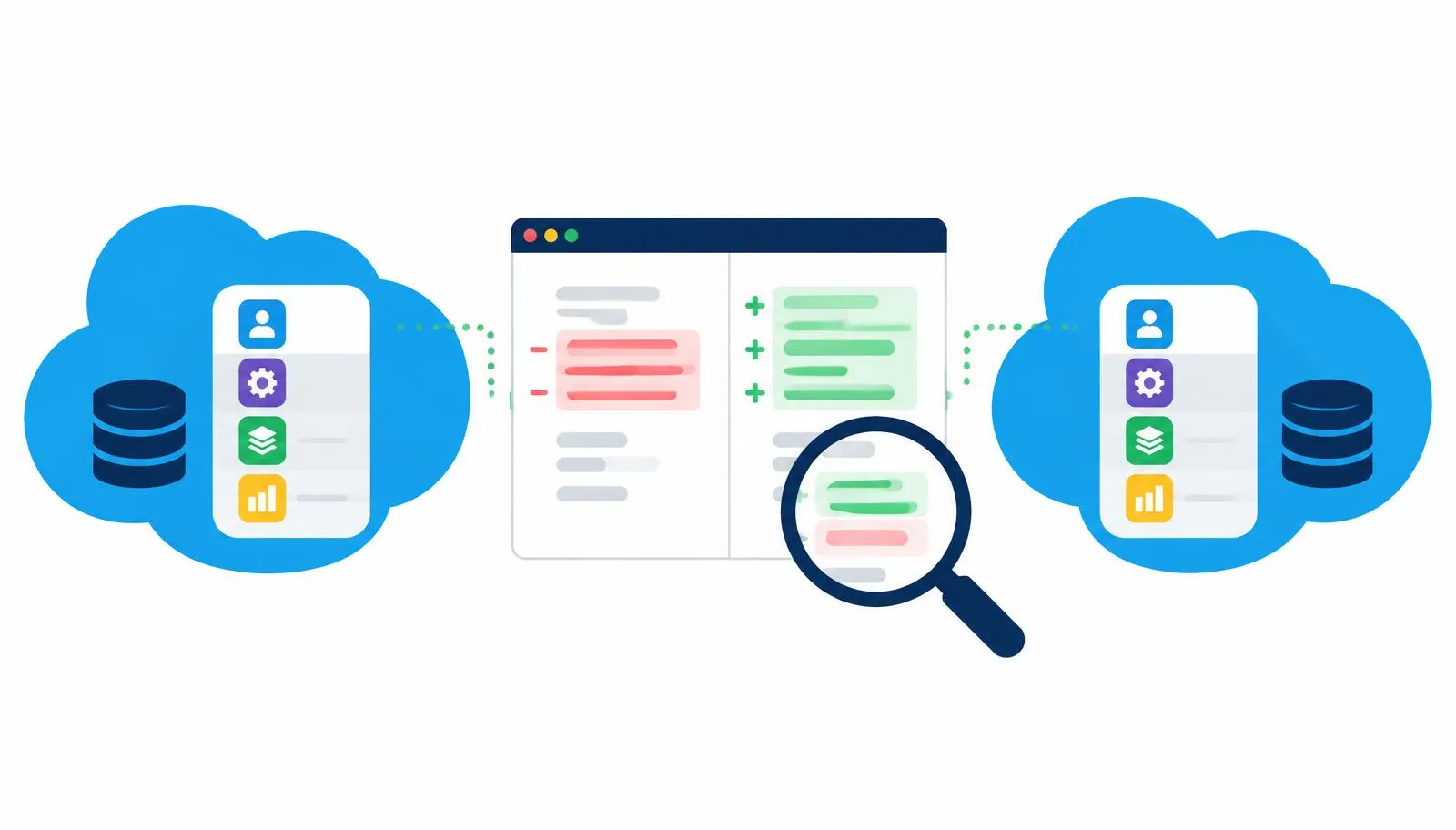
We agree with Stephan’s tweet: best practices for Salesforce development require that admins are included in your source control flow. And the only way to successfully get admins using version control is the exact mechanism Stephan suggests: when someone clicks save in Salesforce it needs to be automatically pushed to source control.
The best way to get admins using version control is to automate it. It shouldn’t happen as an afterthought or a manual, error-prone step. It should not require the Salesforce business team to learn Git rebase, Git commit or any of that. It’s too much overhead for the benefit.
If you do force your team to use that kind flow, you are trading off many of the primary benefits to using Salesforce in the first place. Salesforce is designed to empower admins and business people to do great things with software development. A key component of helping them do that is automating tools for them and getting out of their way. Ideally you can avoid putting burdensome process in place.
Blue Canvas' Version Control for Salesforce enables this in four clicks. Any time you click save in the Developer Console or in the Salesforce UI, we automatically capture that change and commit it to a Git repo with the logged in user as commit author. This ensures that all changes in Salesforce are tracked in version control, not just those that people remember to commit.
If you want to find out how we can help you use Salesforce DX for your admin team please get in touch!